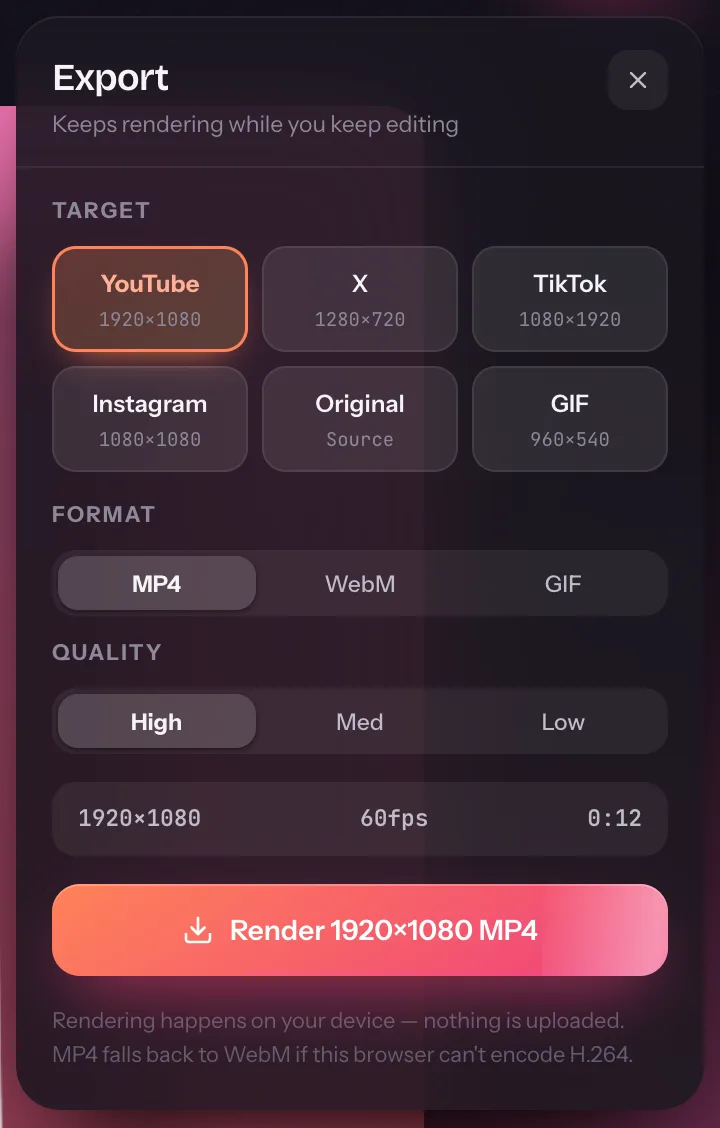
Guides for recording, editing and sharing your screen.
Step-by-step walkthroughs of every part of the studio, shown with the real interface — from your first recording to an export that looks right on every platform.
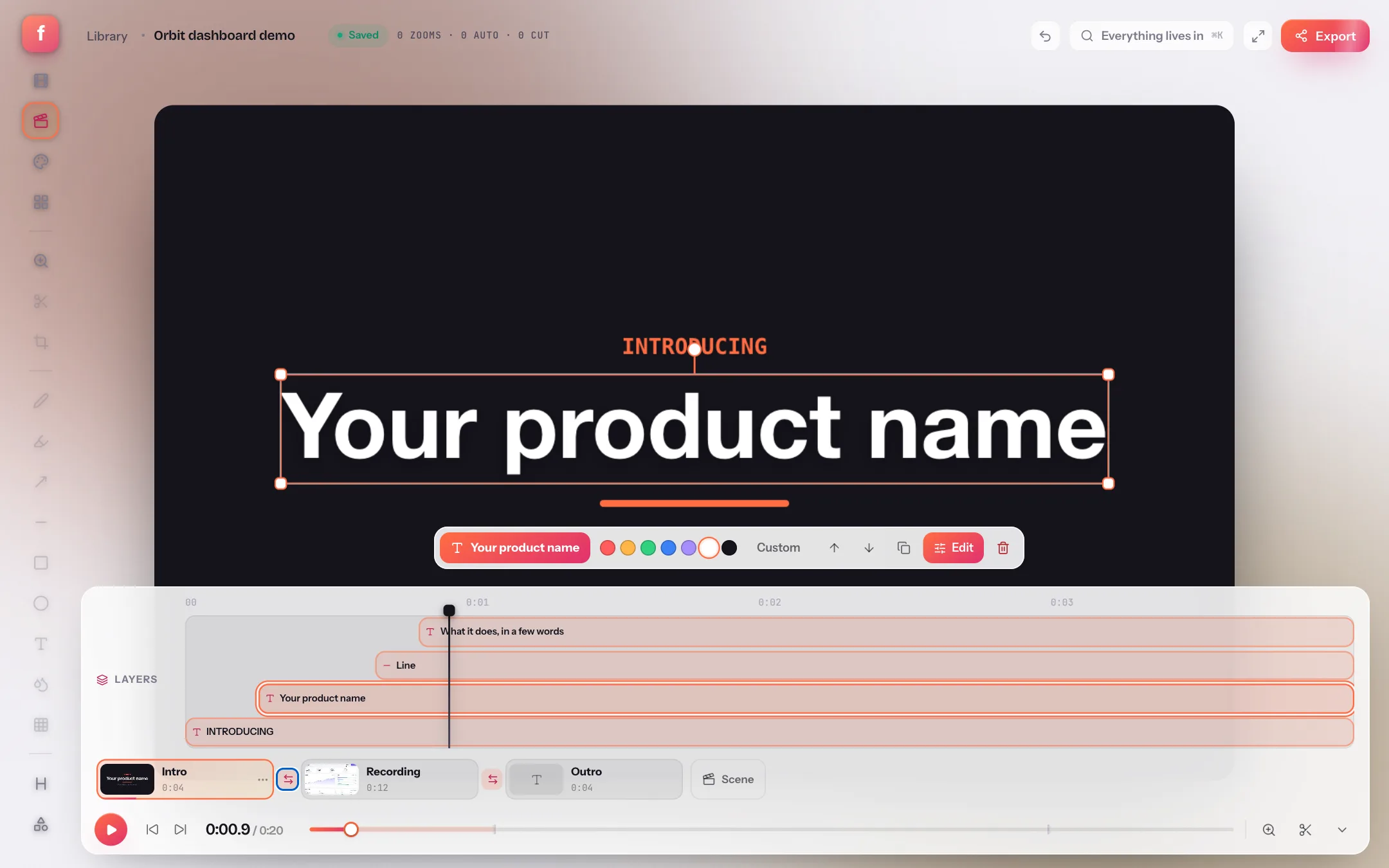
How to add an intro, an outro and transitions to a screen recording
A raw take starts mid-click and ends when you reached for the stop button. A title card, an outro and a fade between them make the same footage read as a finished video. Here is the scene strip that does it.
Recording
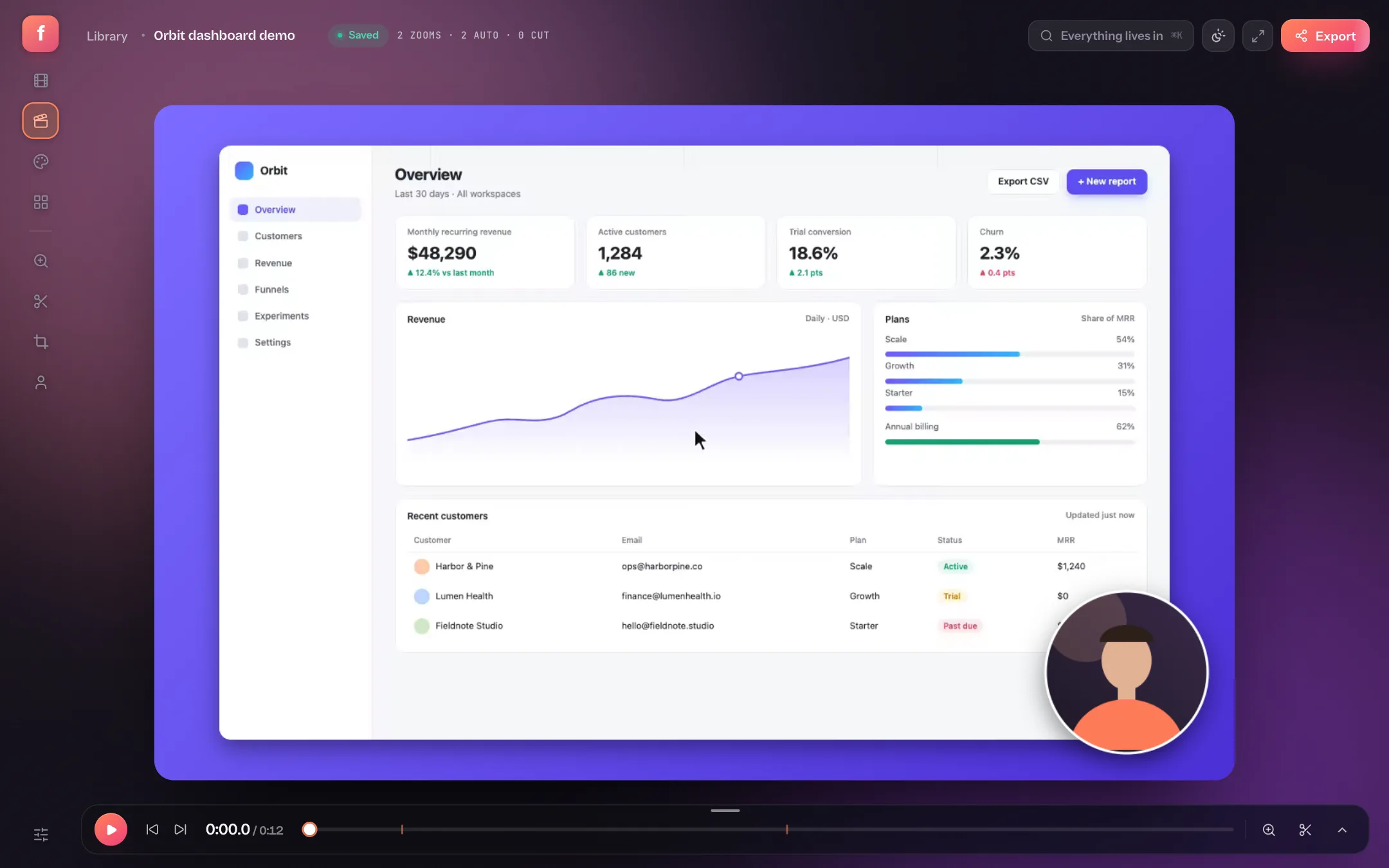
How to record your screen on a Mac, with audio
The built-in tools can capture your screen but not your Mac's audio, and they stop at a raw file. Here's how to record, polish and export in one browser tab.
How to record your screen on Windows 10 and 11
Game Bar records one app at a time and Snipping Tool stops at a raw clip. This is how to record the whole desktop with audio and get a finished video.
How to add a webcam overlay to a screen recording
Most recorders burn the webcam into the video, so a bubble in the wrong corner means re-recording. Keep it as a layer and fix it in seconds instead.
Editing
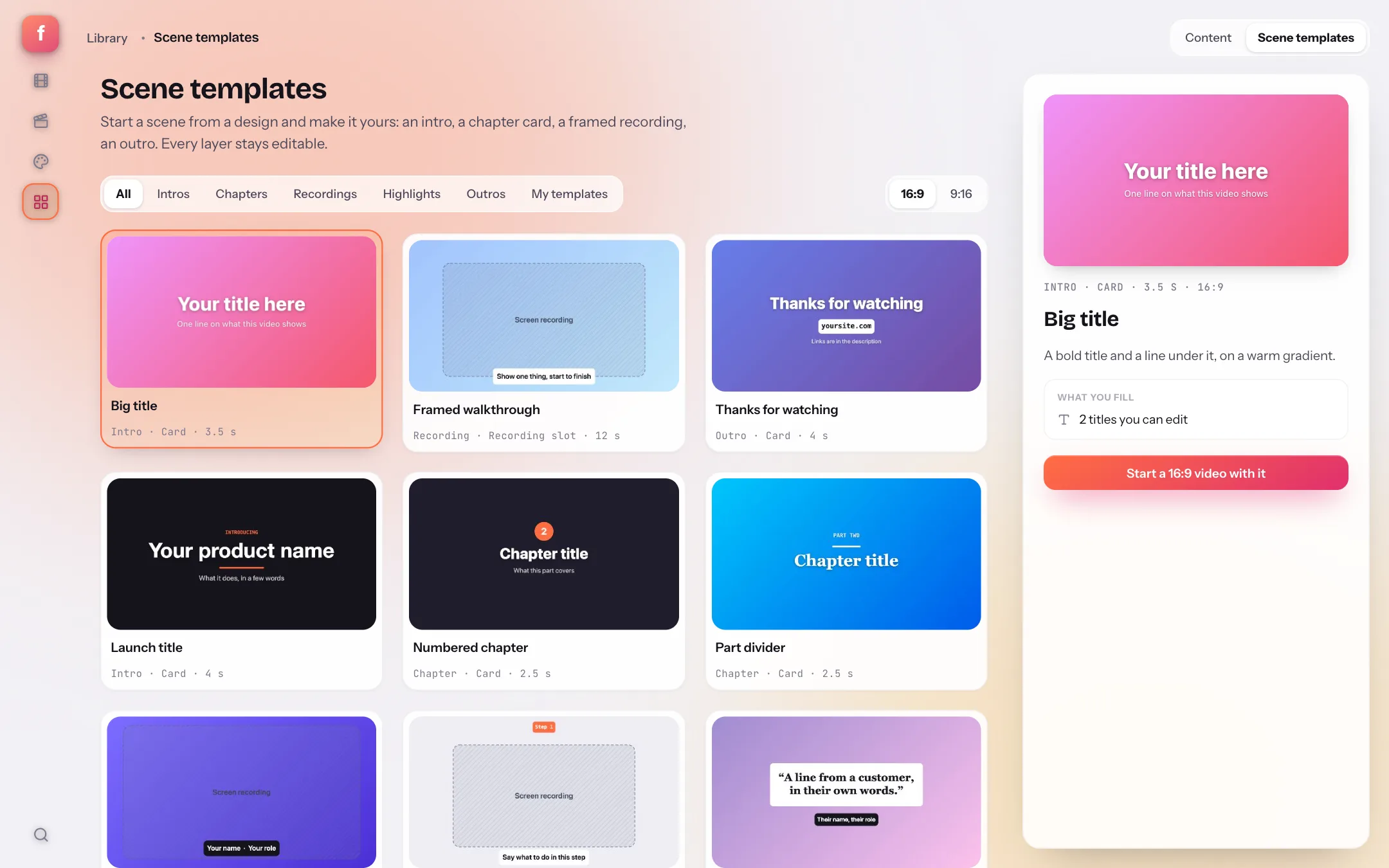
Scene templates: designed intro, chapter and outro cards for demo videos
A demo video needs the same cards every time: a title, a chapter break, a quote, a thank-you. Scene templates are those cards, designed once and refitted to your canvas, with every layer still editable.
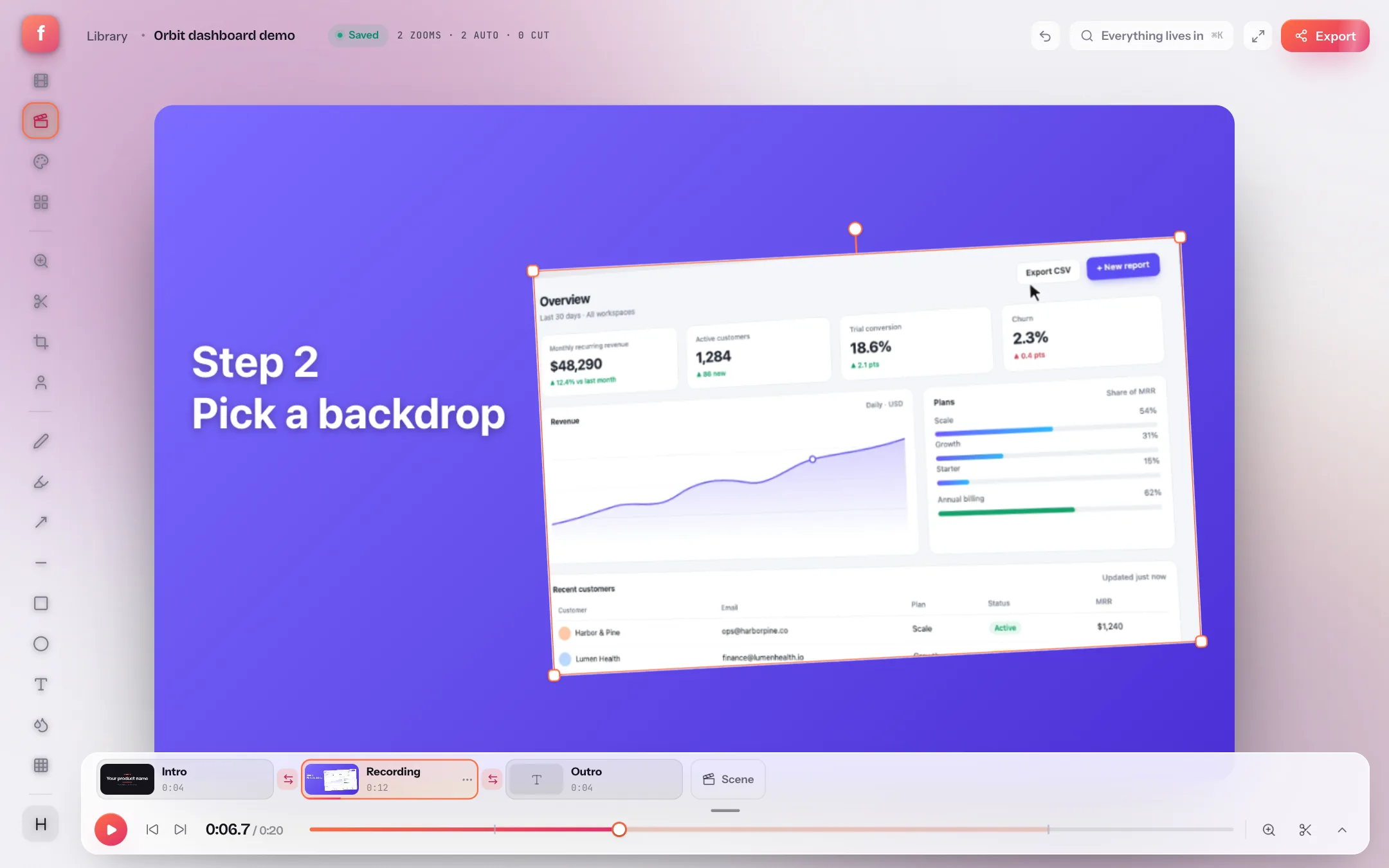
How to add text, shapes and a boxed recording to a screen recording
A title that appears for three seconds, an arrow that points at the thing you are clicking, the recording pushed to one side so a step sits beside it: all layers with timing, all on the canvas.
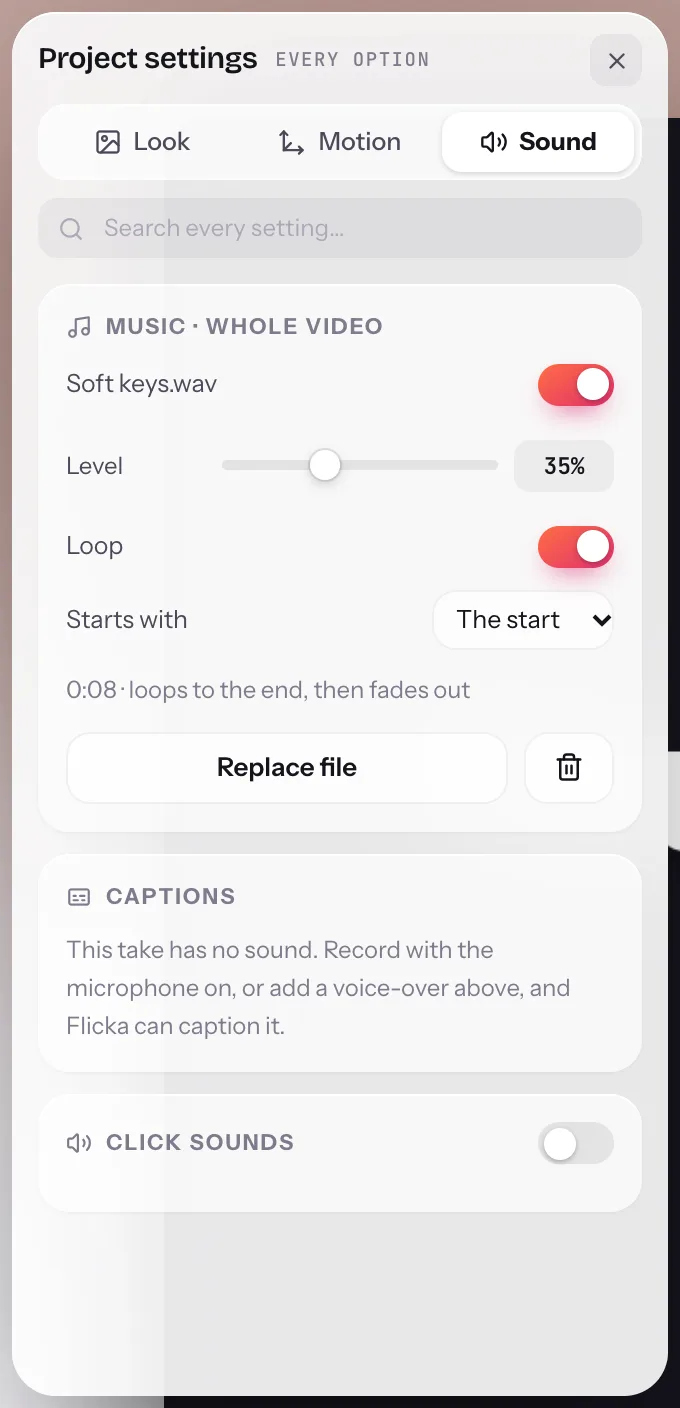
How to add background music to a screen recording
Music is the cheapest way to make a demo feel finished, and the thing most screen recorders can't do without a second app. Flicka puts one track under the whole video and mixes it into the export.
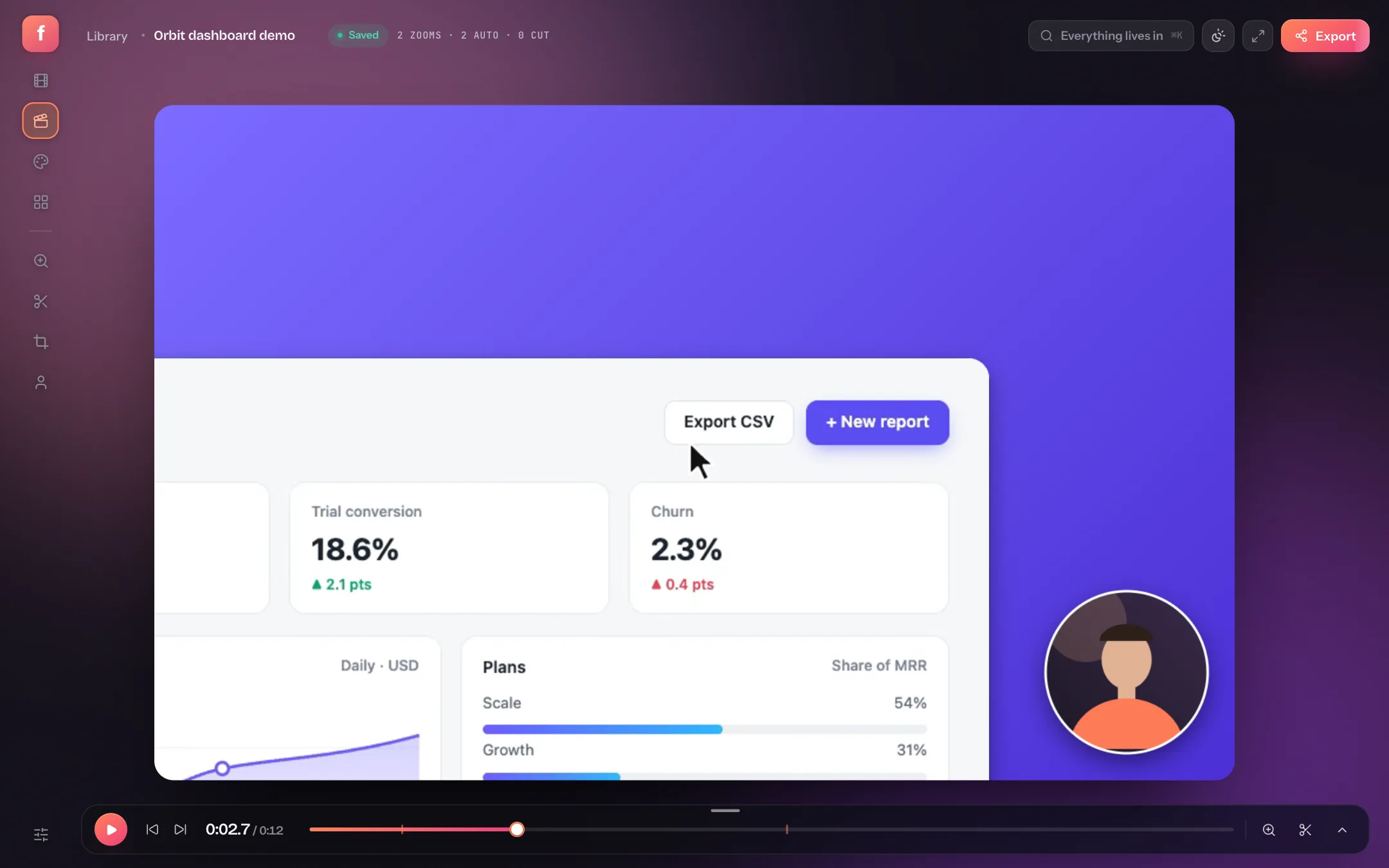
How to add smooth auto-zoom to a screen recording
A 1440p screen shrunk into a video player is unreadable. Zooming in where the action is fixes that, and you don't have to keyframe it by hand.
Screenshots
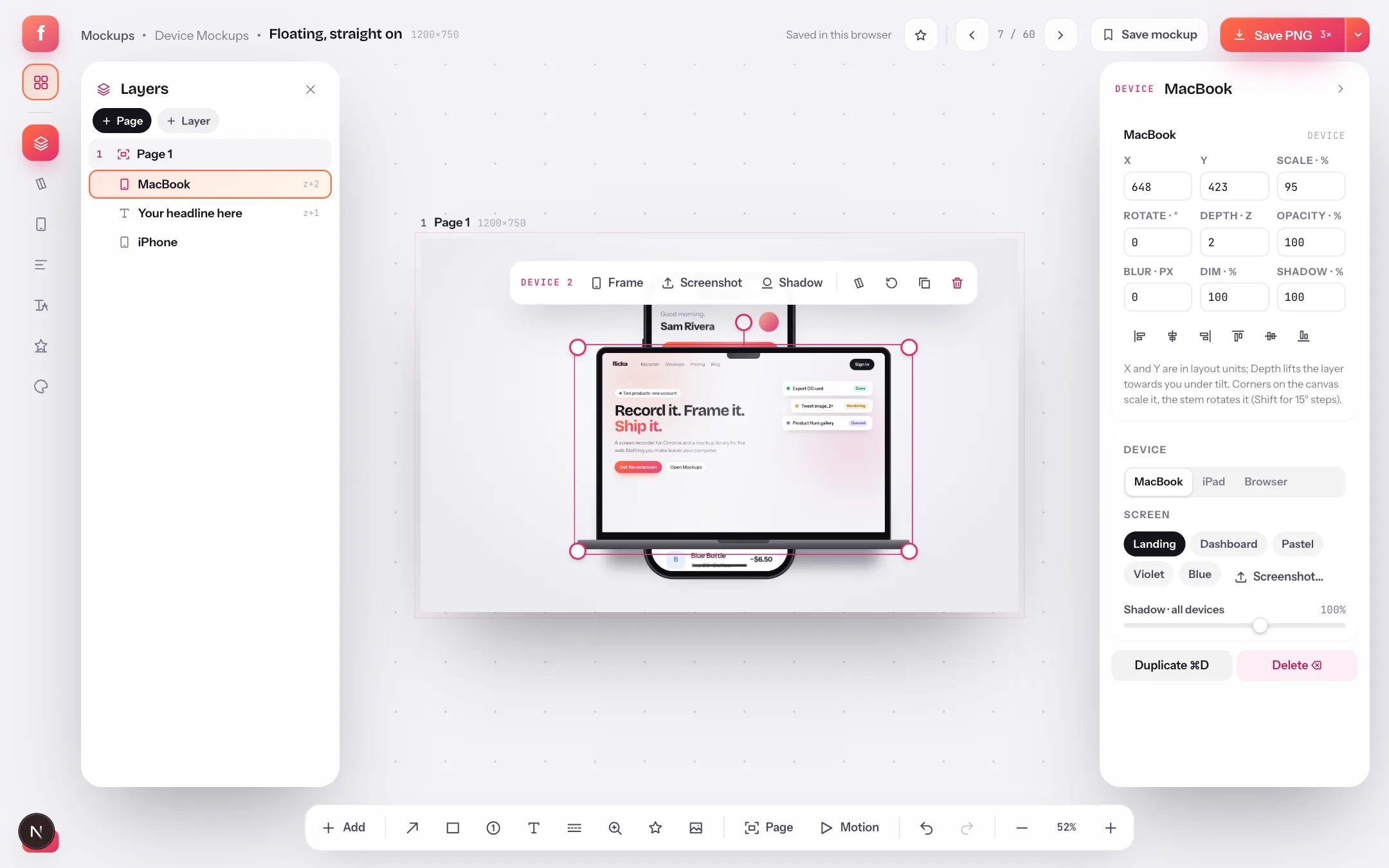
A free online mockup editor with layers, snapping and align tools
Most mockup generators give you a template and a few sliders. Flicka Mockups opens every layout as real layers on a canvas — drag, snap, align, add pages — and exports retina PNGs without uploading a pixel.
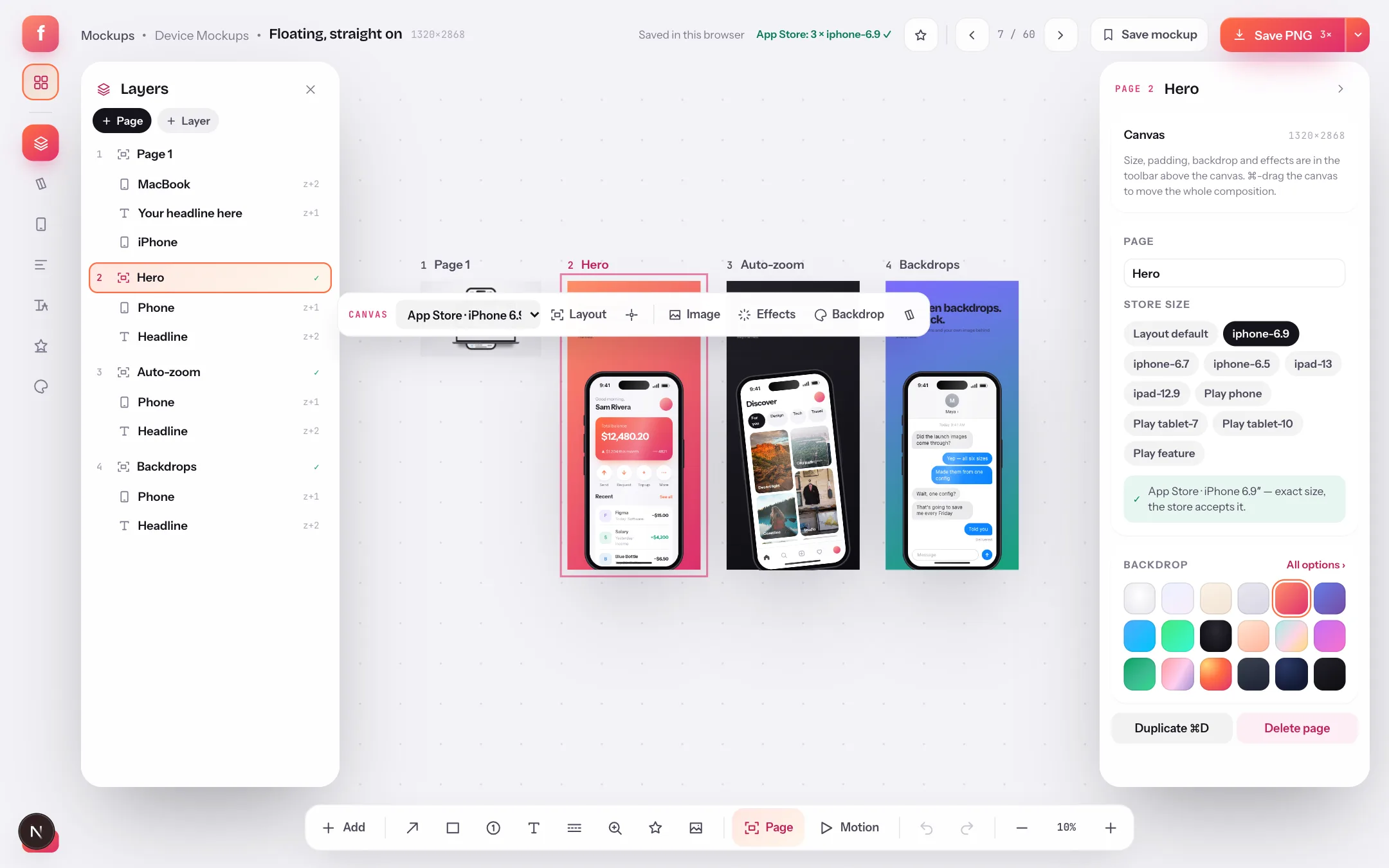
App Store screenshot templates: the 2026 sizes, sets and localization
Apple wants 1320×2868, Google wants at least four phone shots, and your copy exists in six languages. Here is how to make the whole set from templates, check it against store rules and export it per locale — in your browser.
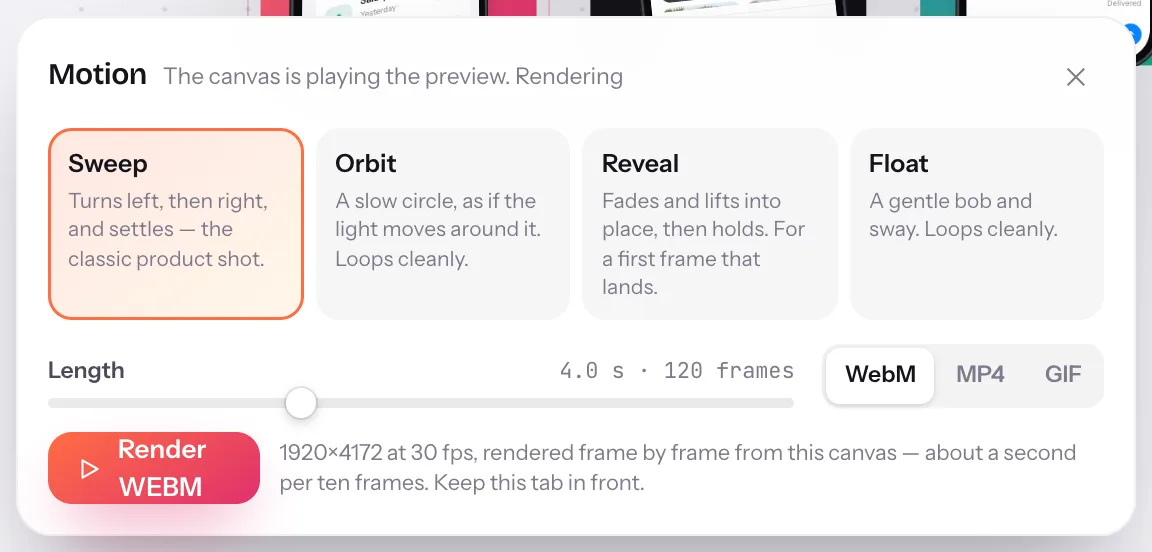
Make an animated device mockup as a video or GIF, in your browser
A still mockup gets a glance; a four-second tilt sweep gets a stop. Flicka Mockups renders the composition you already made as WebM, MP4 or GIF, frame by frame, in your browser.
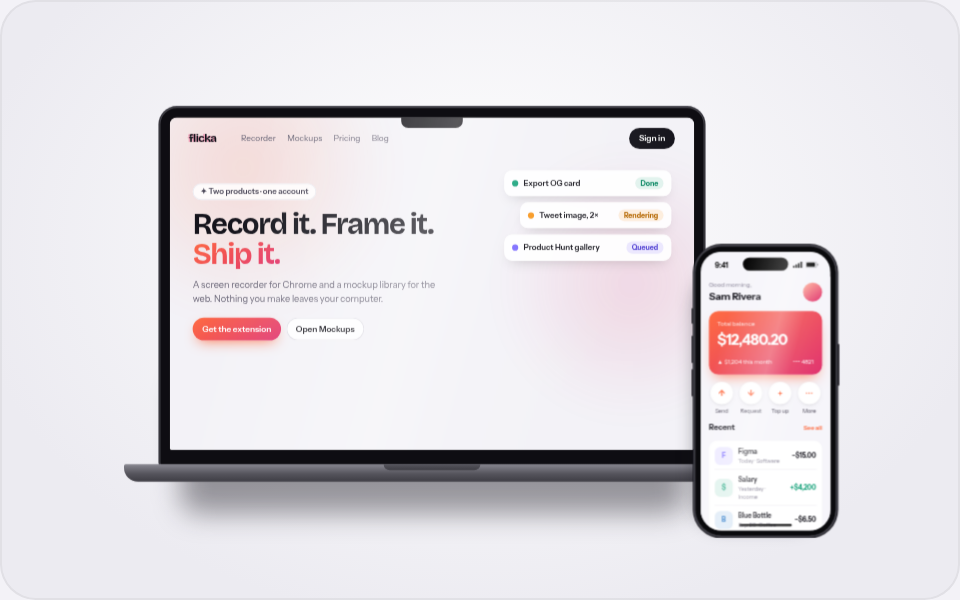
Put your screenshot in a device mockup, right in the browser
A raw screenshot says "work in progress". The same screenshot in a tilted device frame on a good backdrop says "launch". Flicka Mockups does that in the browser, from one drop.
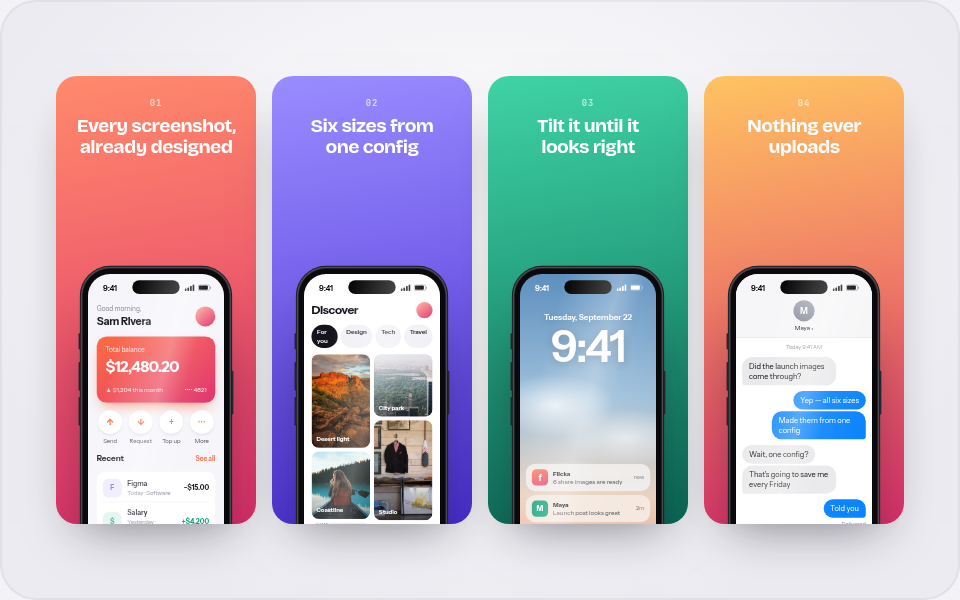
App Store screenshots from one config
Store listings want the same story at five sizes, and they drift the moment you maintain five files. Flicka Mockups renders every panel from one config, so they can't.
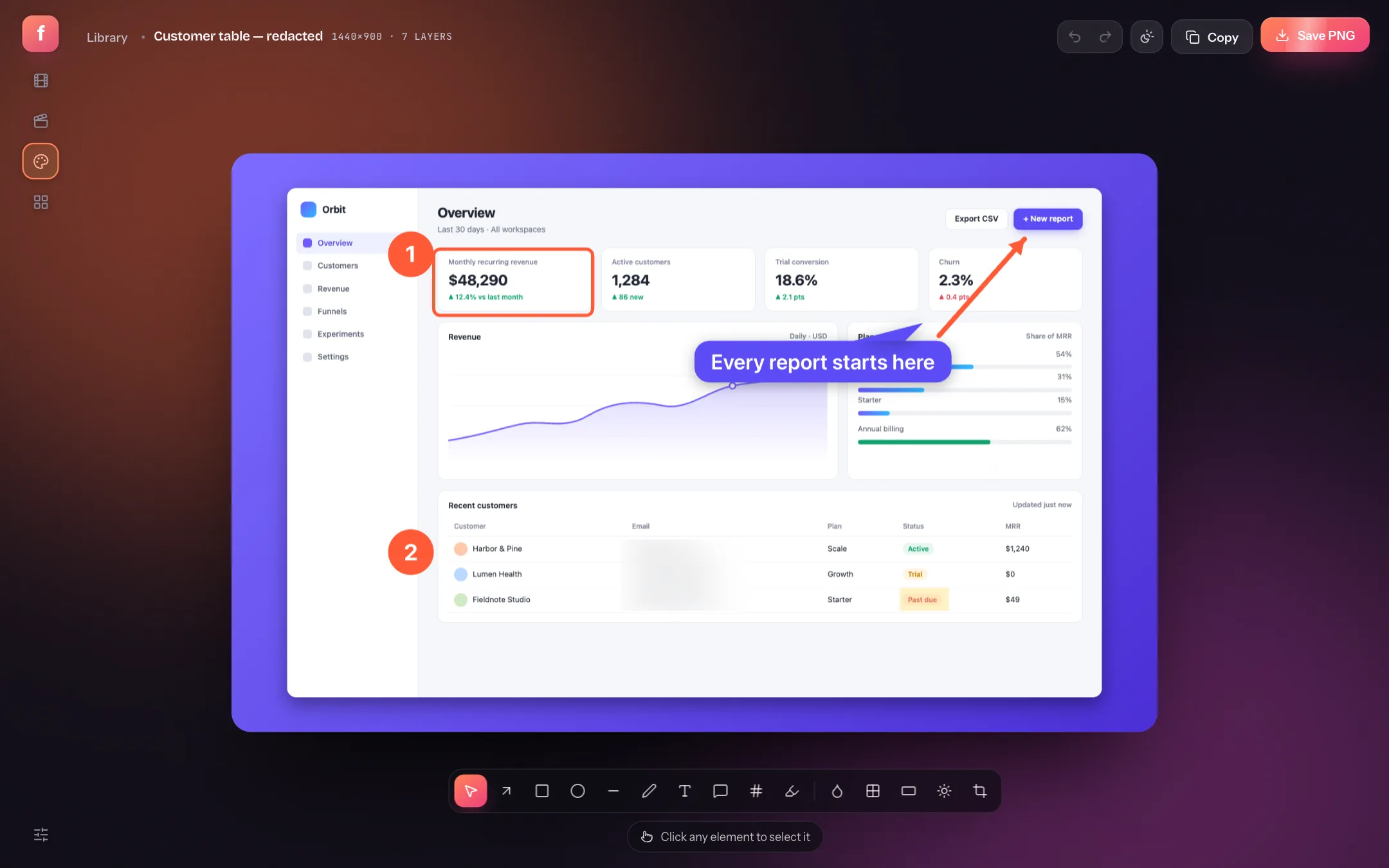
How to annotate and blur screenshots online
A screenshot with an arrow and a blurred email says more than a paragraph. Here's how to annotate one in under a minute without uploading it anywhere.
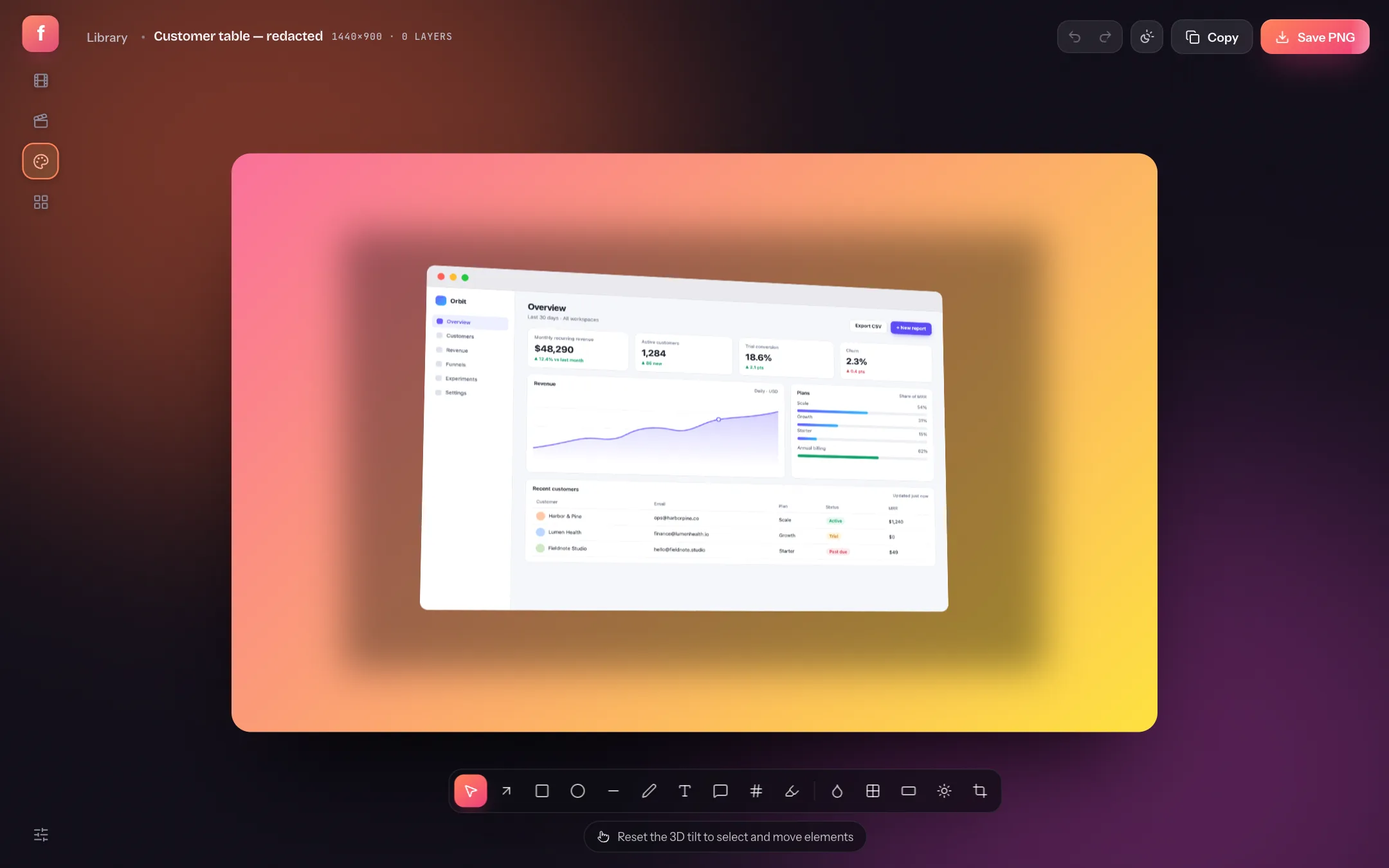
How to make beautiful screenshots with backgrounds and mockups
The difference between a raw capture and a launch-ready image is five settings. Here's what each one does and the combinations that work.
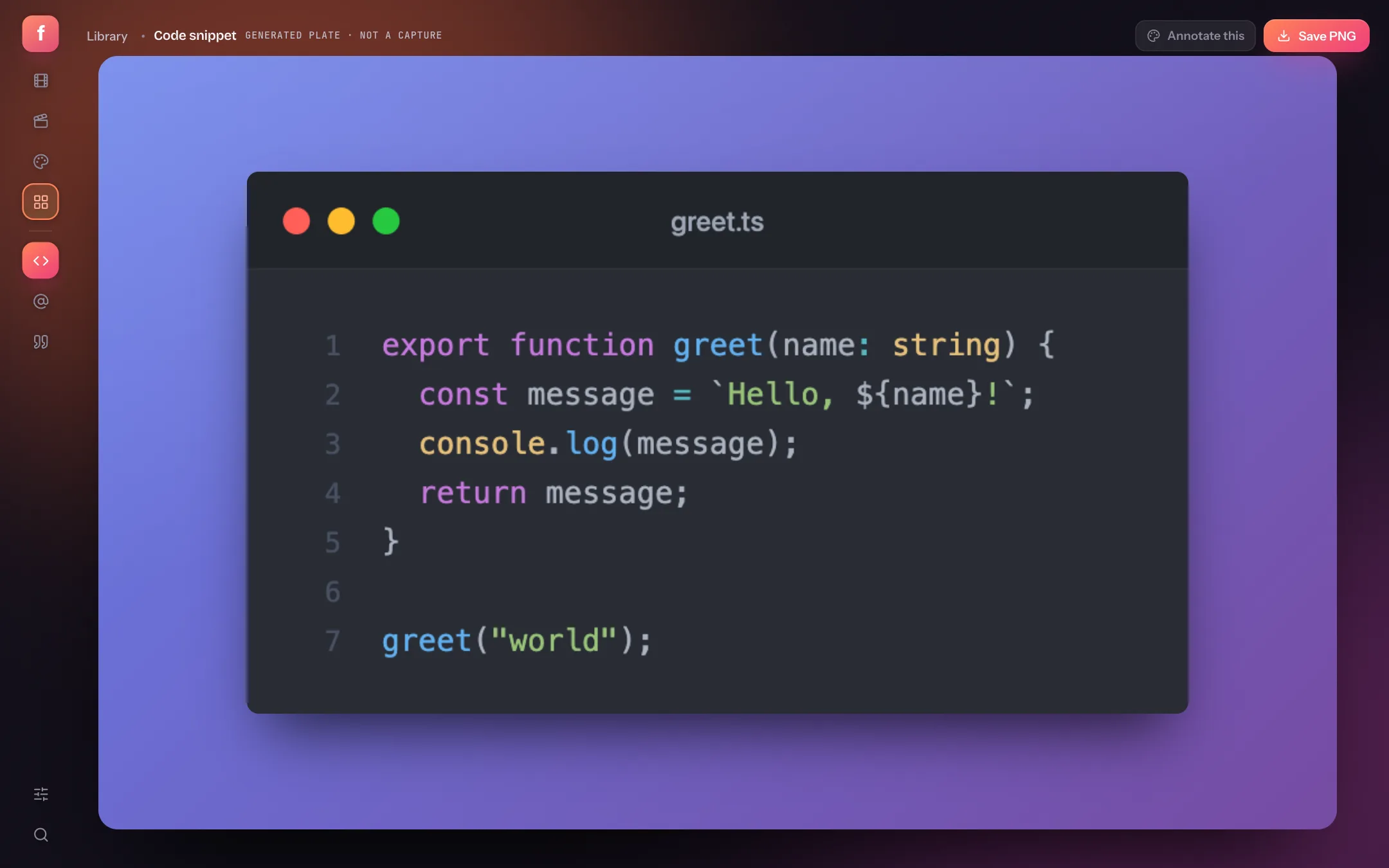
How to create beautiful code screenshots (and tweet mockups)
Pasting a real screenshot of your editor shows every tab and warning. A generated code image shows only the code, in the theme you choose.