App Store screenshots from one config
Store listings want the same story at five sizes, and they drift the moment you maintain five files. Flicka Mockups renders every panel from one config, so they can't.
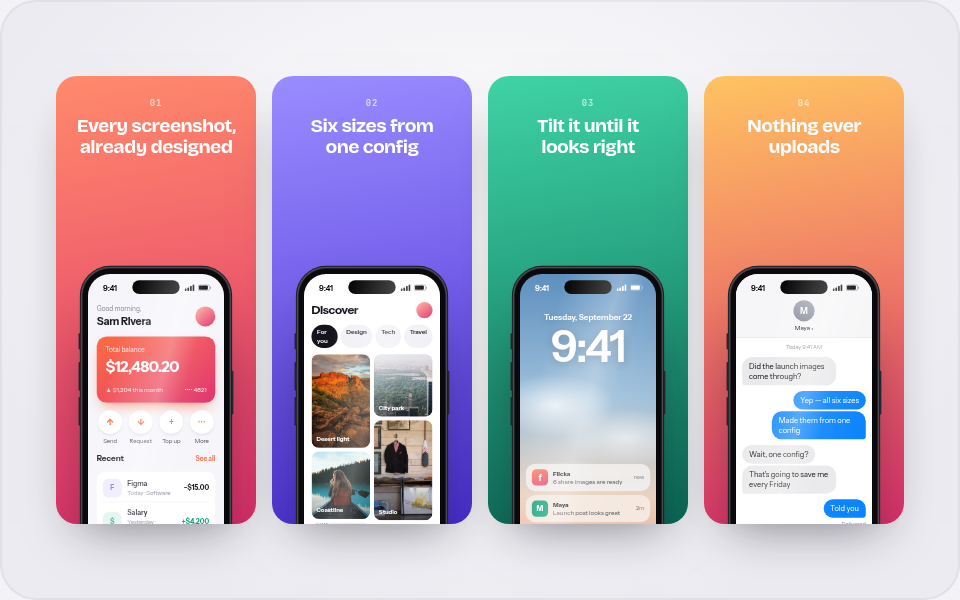
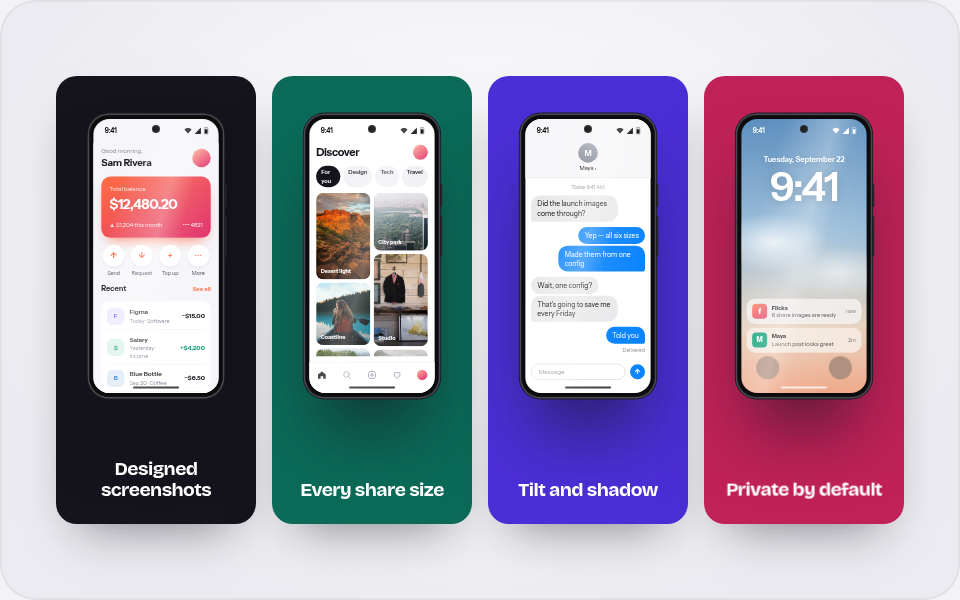
A store listing is the same story told four or five times: one panel per claim, numbered, in a consistent style, at sizes Apple and Google dictate. Keep those panels as separate design files and they drift — one gets a new backdrop, another keeps last quarter's copy, the numbering stops matching the order.
Flicka Mockups treats the whole set as one layout: the iOS set, the iPad set and the Play set are single compositions whose panels share a style and are edited together. Drop your app's screenshots in, rewrite the captions, and export — every panel stays in sync because there is nothing to fall out of sync.
- Panel copyEach panel carries a number and a claim. Edit them in the editor's Content panel — the style stays consistent across the set.
- One panel, one claimEach phone has its own screenshot slot and screen settings, so panel three can show the exact feature its caption names.
Build a store set in four steps
Pick the set for your listing
In the library, the App Store section has the iOS set (6.7″ and 6.5″ panels), the iPad set and the Play Store set. The gallery previews each with your screenshots the moment you drop them.
Give each panel its screenshot
Each panel slot takes its own image with its own fit and position — the first panel gets your best screen, the rest each prove one claim.
Rewrite the captions
Numbers and claims are text fields, not baked pixels. Keep captions under about six words — store thumbnails are small until tapped.
Export the whole set
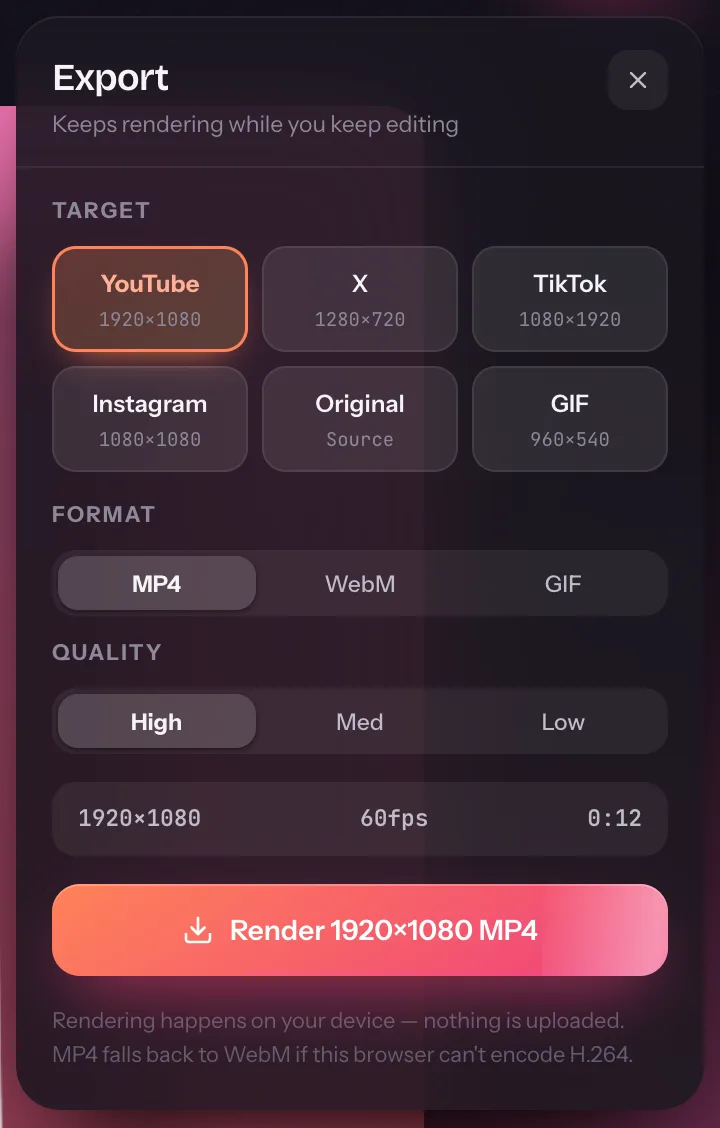
Multi-size export renders every panel in one pass at store sizes, on your device. Re-exporting after a copy change is seconds, not a design session.
The Play feature graphic, from the same library
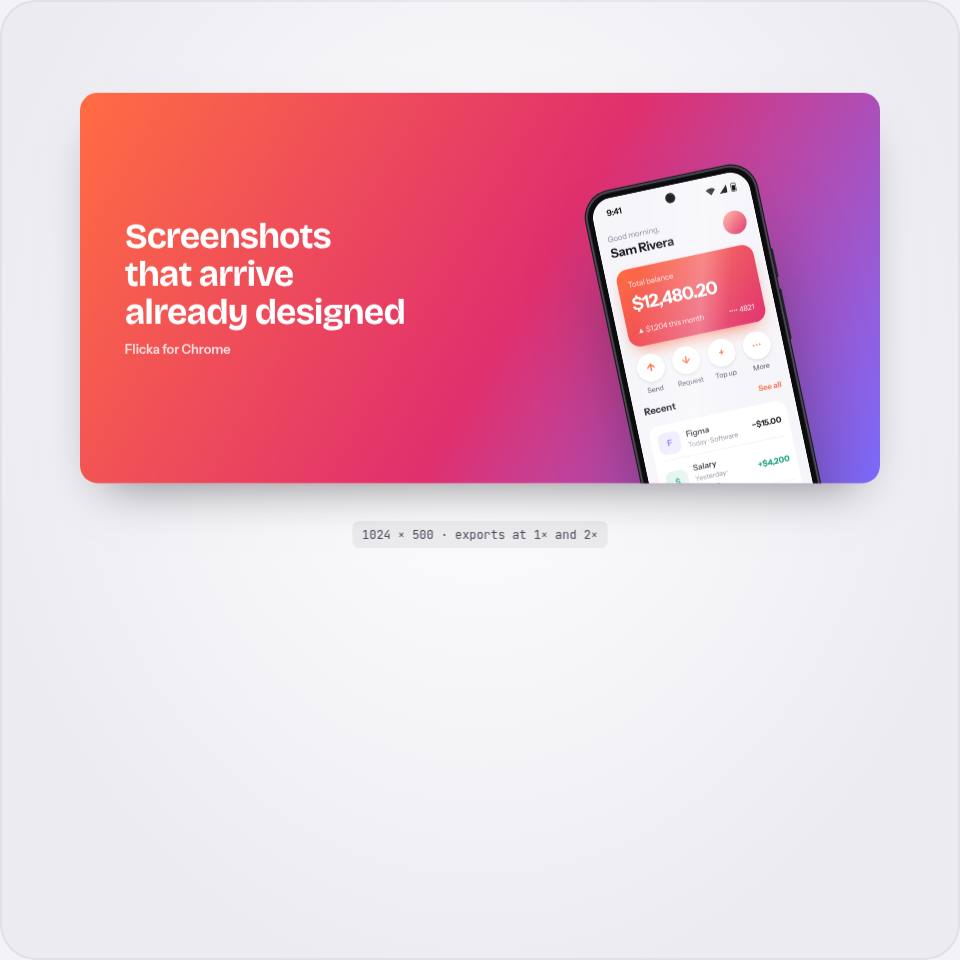
Google Play also wants a 1024×500 feature graphic — the banner behind the play button on your listing. It is a layout of its own in the library, so the banner, the panels and your launch mockups all share one look without sharing a design file.
What sizes do the stores actually need?
Apple wants 6.7″ (1290×2796) and accepts 6.5″; iPad listings want 12.9″ (2048×2732). Google Play takes phone screenshots from 1080×1920 up, plus the 1024×500 feature graphic. The sets export at store-ready sizes from one config.
Are the store sets free?
The store sets are Pro layouts — the gallery shows each one as a real preview, and Pro unlocks the configs. Sixteen single-device and browser layouts are free forever.
Do my app screenshots upload anywhere?
No. Panels compose and export in your browser; the screenshots become data URLs in the tab and stay there. Only sign-in and billing touch the network.