- Flicka
- Product
Nothing uploaded. Here is every request the studio makes.
A claim like “nothing is uploaded” should be checkable. This page lists every network request during a full record, edit and export cycle, and exactly what does reach a server.
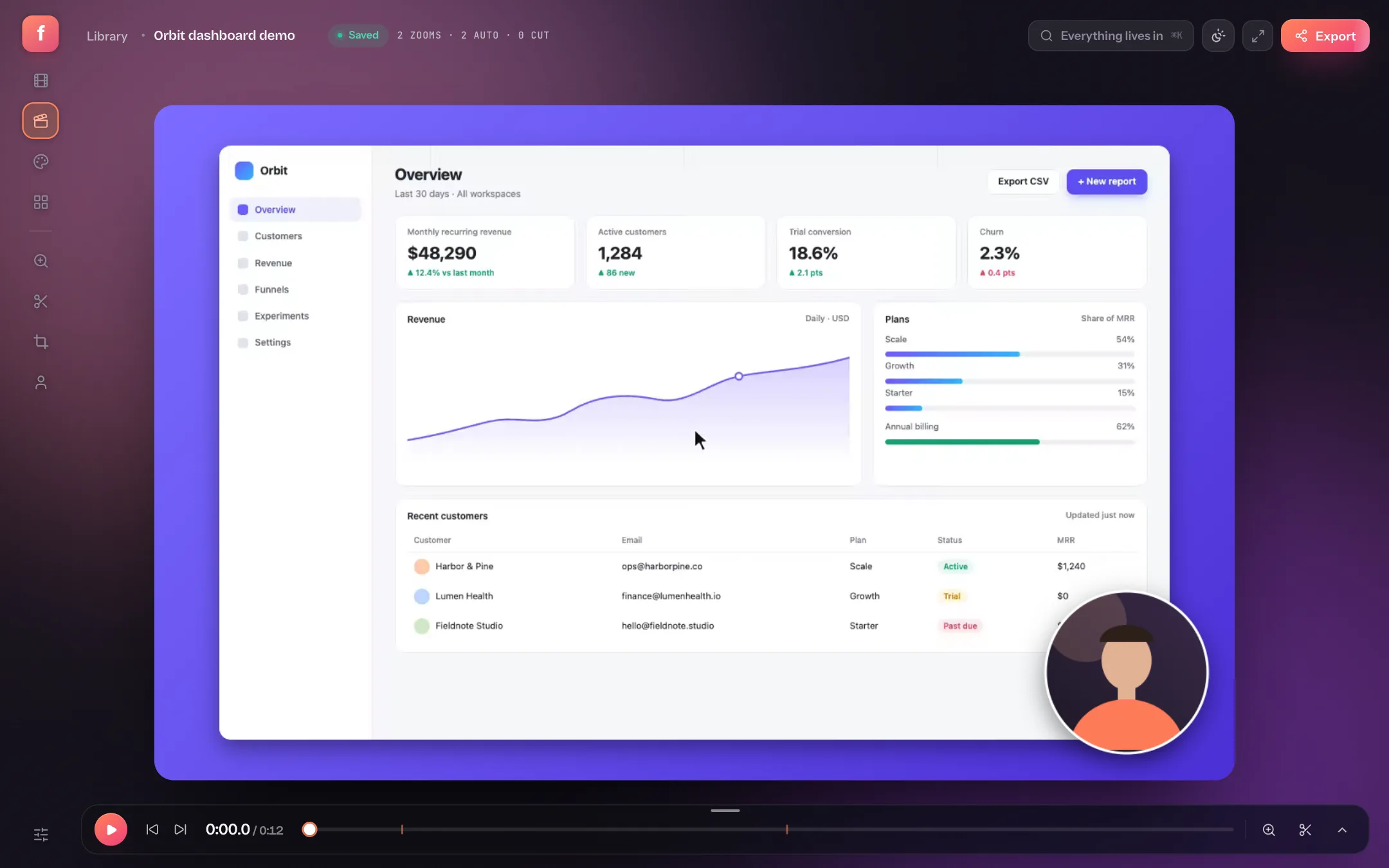
Flicka captures your screen with the browser's own screen-share API, composites every frame on a canvas, and encodes the file with WebCodecs, all inside the tab. There is no upload step because there is no server that could receive one. That is easy to say, so below is the log.
What leaves your machine, and when
| When | Where it goes | What it is |
|---|---|---|
| Opening tryflicka.com | tryflicka.com (Vercel) | The page, scripts, fonts and images. Vercel keeps standard request logs (IP, user agent, time). |
| Choosing “Allow” in the analytics notice | Google Analytics | Page views and product events such as export completed. Nothing is loaded from Google before you choose, and nothing if you choose “No thanks”. |
| Signing in with Google | Firebase Authentication | Your Google account identity, so a Pro plan can be tied to you. Signing in is only needed to buy Pro. |
| Buying Pro | Paddle | Payment, handled entirely by Paddle. Flicka never sees your card. |
| Recording, editing, exporting | Nowhere | Frames, audio, cursor data, projects and exports stay in the tab and in the browser's own storage. |
The captured log
Captured on 2026-09-13 in a fresh browser profile, signed out, on the free plan, before any consent choice: load the studio, record four seconds of the full screen, open the take, play it, change the padding, export a 1280 × 720 MP4. Every request the page made is counted below. “(local) blob:” and “(local) data:” are addresses inside the browser's own memory, not network traffic.
| Step | Requests | Hosts |
|---|---|---|
| Loading the studio | 43 | tryflicka.com (42), (local) data: (1) |
| Recording (4 s, full screen) | 1 | (local) blob: (1) |
| Editing: play, change padding | 18 | (local) blob: (4), (local) data: (14) |
| Exporting a 1280×720 MP4 | 1 | (local) blob: (1) |
Requests to anything other than tryflicka.com or the browser's own memory: none.
Check it yourself
Open the studio and the browser's Network panel
In Chrome, press ⌥⌘I (Mac) or Ctrl+Shift+I (Windows) and choose the Network tab. Clear it.
Record, edit, export
Press R, share a screen, stop after a few seconds, change anything in the editor, and export.
Read the list
Every entry will be a blob: or data: address, which never leaves the browser. Turn off Wi-Fi first if you want the stronger version of the test: the studio keeps working.
The limits that come with it
- We cannot recover your projects. They live in this browser's storage. Clearing site data, a private window or another browser means they are gone. Export anything you want to keep, or save a project as a .zip from the library and import it later.
- Nothing syncs. A Pro licence works in any browser after you sign in; projects do not follow it.
- Share links do not exist yet. To send a video you export the file and host it wherever you like.
- The code is not public. Flicka's repository is private today, so this page and your own Network panel are the evidence, not an audit.