How to add background music to a screen recording
Music is the cheapest way to make a demo feel finished, and the thing most screen recorders can't do without a second app. Flicka puts one track under the whole video and mixes it into the export.
Watch any product launch video with the sound off and it still works; watch a silent screen recording and it feels unfinished. Music is the cheapest polish there is, and it is also the step most screen recorders push into a second application. Flicka's editor has a Music section that puts one track under the whole video — every scene, every take — and mixes it into the file it exports, on your device.
This guide adds a track, sets its level, chooses where it starts and checks how it ends. If your video has an intro and an outro, the music follows the scenes; if it is one take, it follows that.
Step 1: Pick a track you can use
Music licences matter more for demos than for personal videos, because the video sells something. Safe sources: a track you bought, a library you subscribe to (Epidemic Sound, Artlist, Soundstripe), or a library with clear free terms (the YouTube Audio Library, Pixabay Music, Free Music Archive's CC tracks). Instrumental, mid-tempo, no vocals — voice-over and music with lyrics fight each other.
Step 2: Add the file
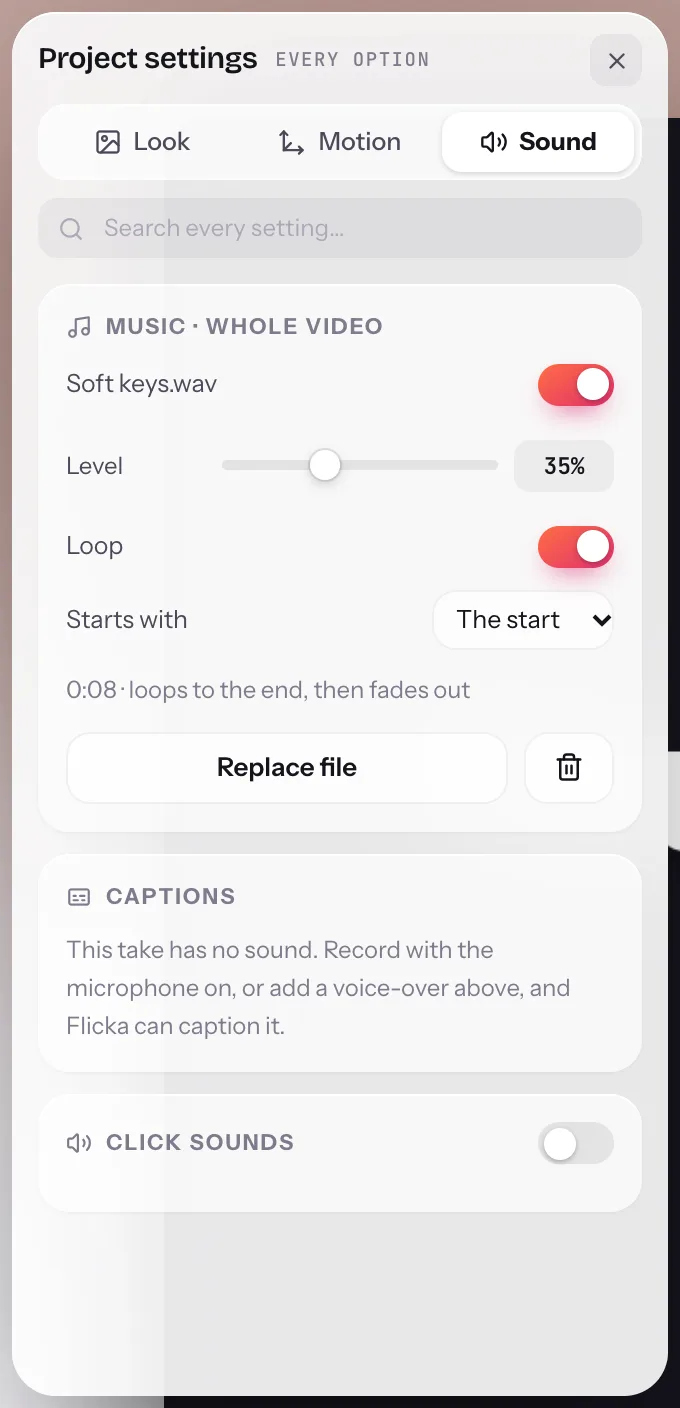
Open the panel (Tab), switch to the Sound tab and find Music · whole video. Press Add a file and choose the track. The section shows the track's name, how it fits the video and the controls below. The file is copied into the project's storage in the extension; nothing is uploaded.
- Music · whole videoOne track for the whole project. The toggle beside its name mutes it without removing it.
- LevelStart around 15–25% under a voice-over, 40–60% for a video with no narration. The waveform in the Audio lane shows your mic for comparison.
- LoopRepeats a track shorter than the video and fades it out at the end. Off, it plays once.
- Starts withThe start, or any scene — begin the music on the first take and leave the title card quiet, or the reverse.
- Replace fileSwap the track; the level, loop and start stay.
Step 3: Set the level against your voice
Play the take with the panel open and move Level while listening. The target is music you notice when the narration pauses and forget while it talks. If the recording has click sounds on, lower the music a touch more; the two share the same range. The readout under the controls says how the track fits — loops to the end, then fades out or the video ends first: it fades out — so there is no guessing about the ending.
Step 4: How it exports
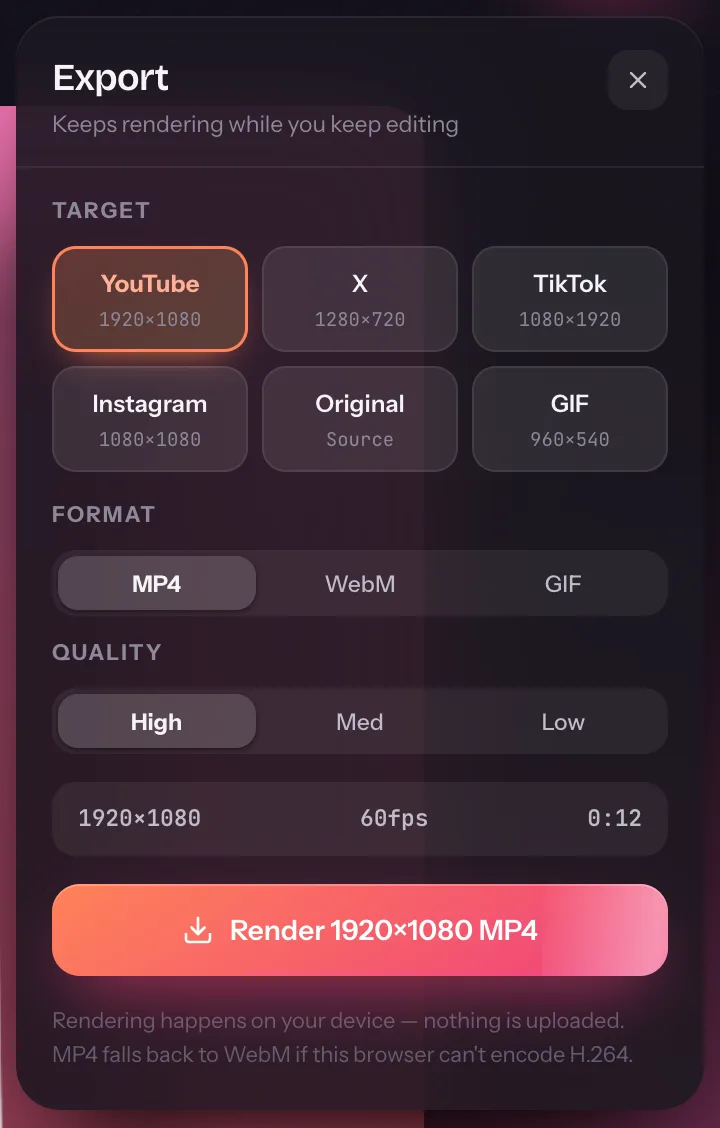
Export mixes the bed with the take's own audio — microphone, tab audio, click sounds — into the file: MP4 through WebCodecs on Pro, WebM on Free. The music ducks for a moment at each transition so seams never click, cards are covered too, and the bed fades out at the end of the last scene. GIFs have no sound. The export guide covers the platform presets.
| Video | Level | Loop | Starts with |
|---|---|---|---|
| Narrated walkthrough | 15–25% | On | The start |
| Silent feature clip for social | 45–60% | On | The start |
| Tutorial with a spoken intro card | 20% | On | The first recording |
| Short GIF | — | — | GIFs carry no audio |
Background music: quick answers
Is adding music free?
Yes. Music across the whole video is on the free plan, like the recording in a box and two-scene videos. It is mixed into WebM and GIF-free exports on Free and into MP4 on Pro.
Which audio files work?
MP3, M4A/AAC, WAV and OGG, up to ten minutes or 60 MB. The file is stored with the project in the extension's own storage on your computer.
Where do I get music I'm allowed to use?
Use a track you own or hold a licence for: the YouTube Audio Library, Pixabay Music, Free Music Archive and paid libraries like Epidemic Sound or Artlist all state their terms. Check the licence covers product demos and the platforms you post to.
Can the music start after the intro?
Yes. Starts with picks the scene the music begins on; everything before it is silent. It then runs to the end and fades out, looping if the track is shorter than the video.