Record with and .
Launch-ready product demos, from one Chrome extension.
Made for your desktop browser
Phones can't share their screen, so Flicka is a Chrome extension for a Mac or PC. Send yourself the link and pick up there.
Or read the step-by-step guides first →

See it before you sit down
A real export: the zooms came from the clicks, nothing edited by hand.
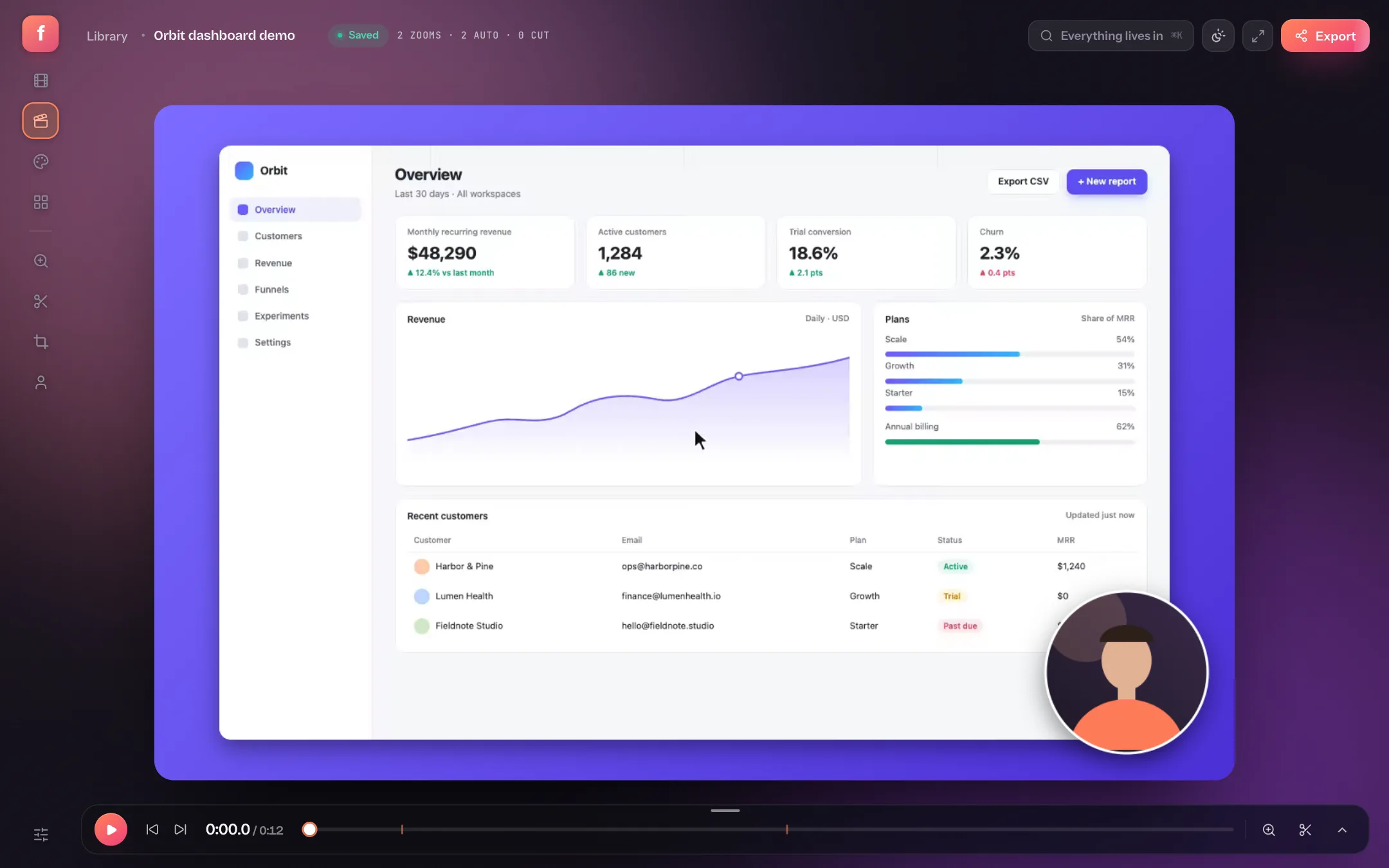 Your take arrives zoomed and backdropped
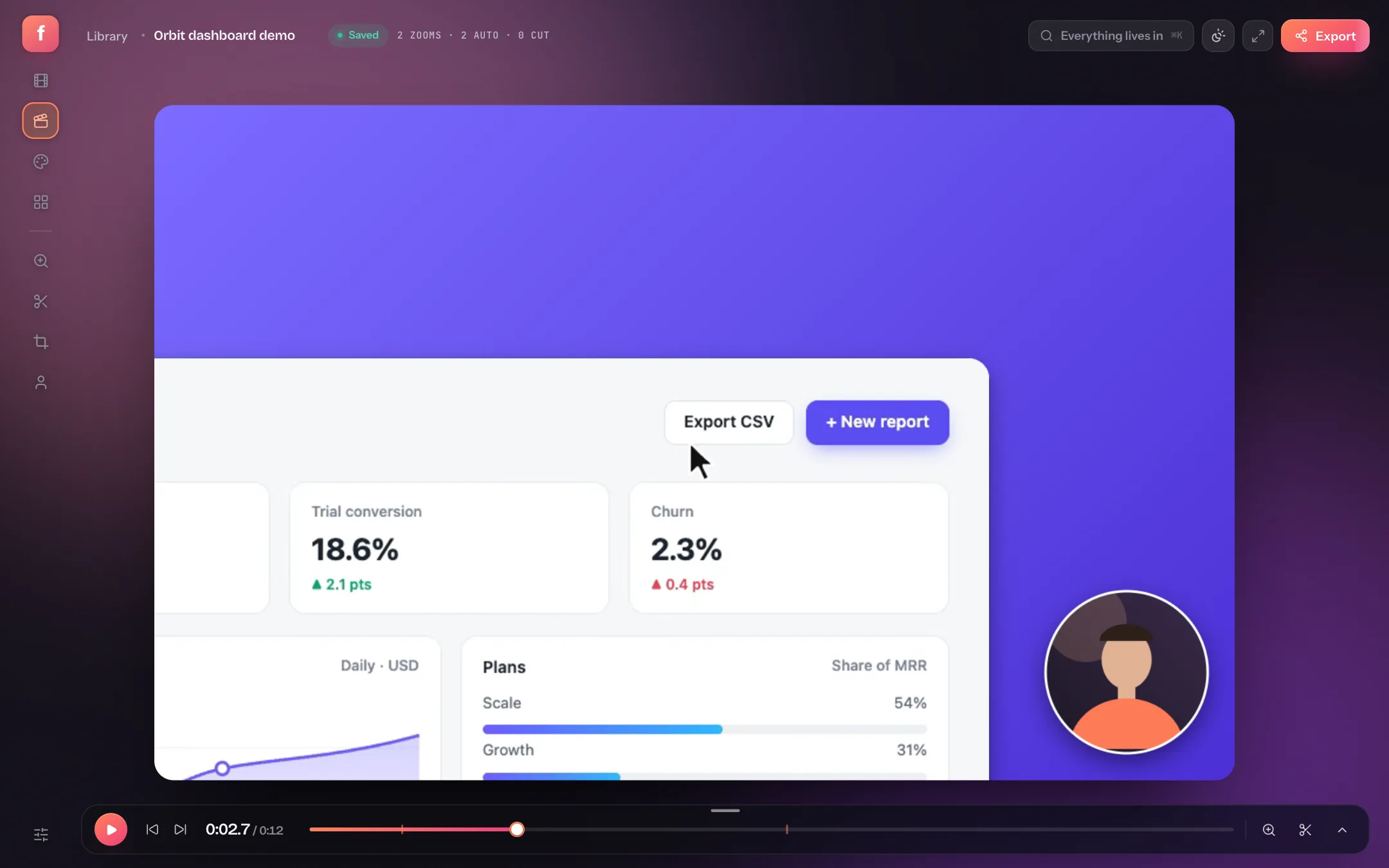 Auto-zoom follows every click
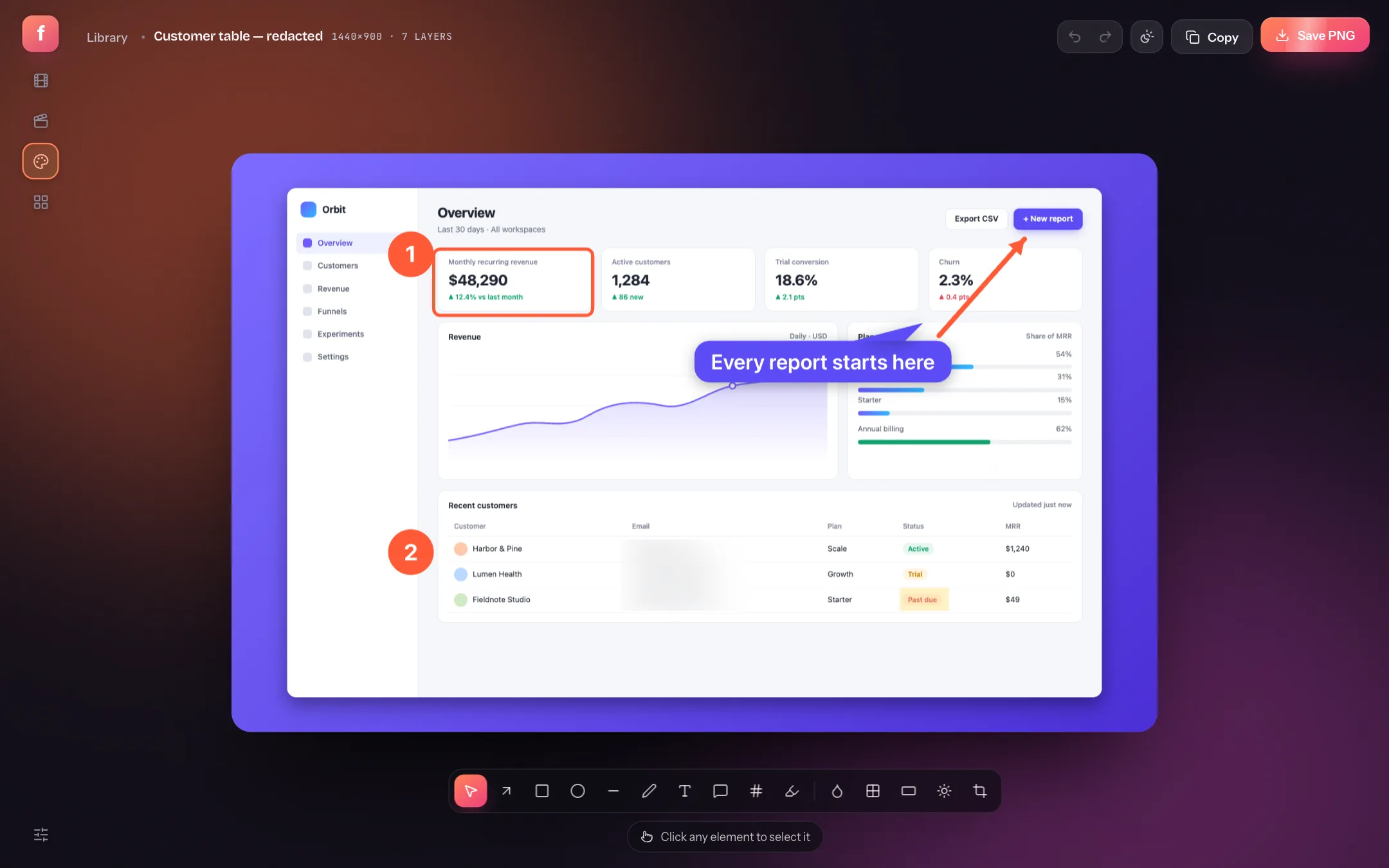 Annotate and blur any screenshot
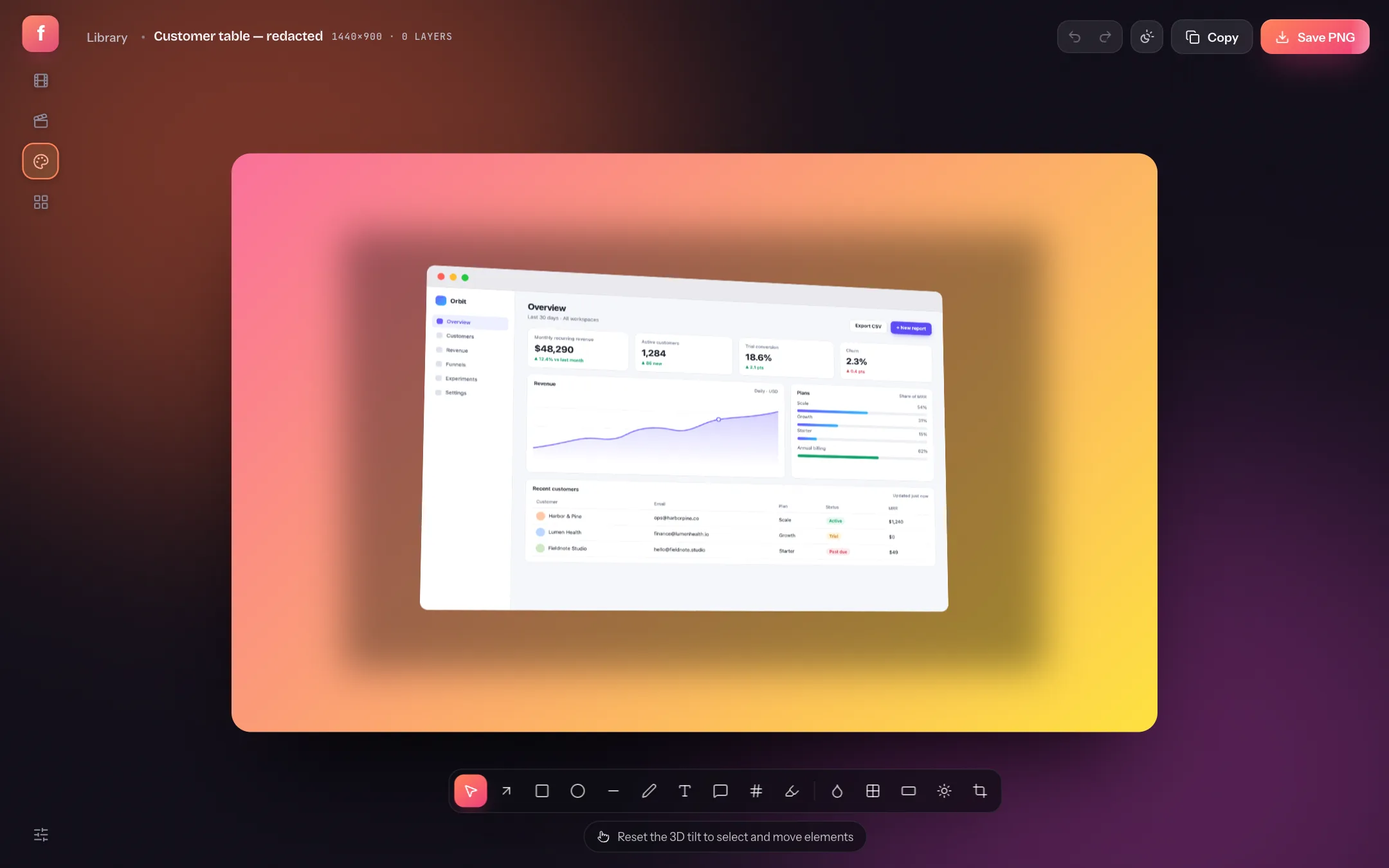 Frames, shadows and 3D tilt
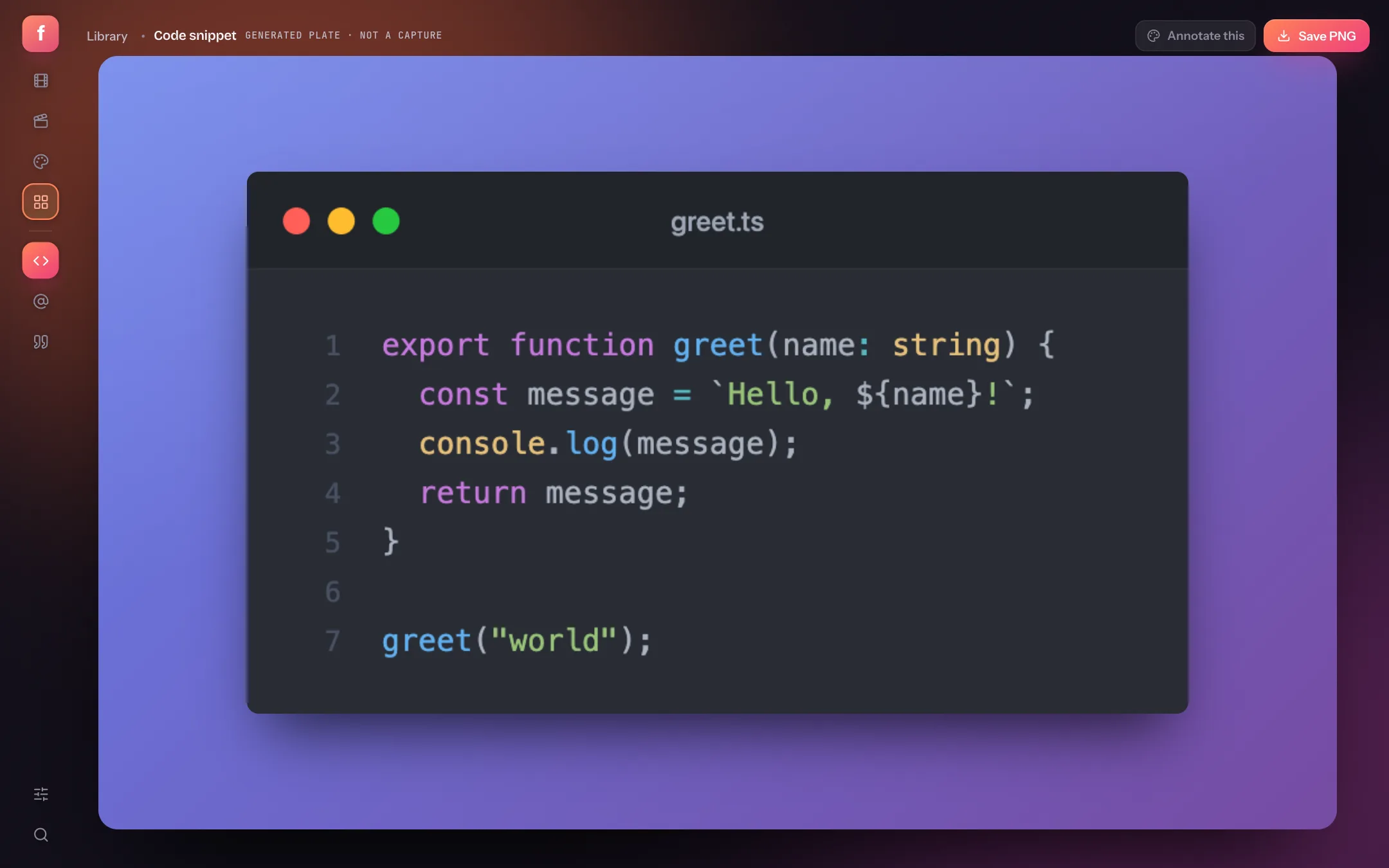 Code, tweet and testimonial cards
Swipe · tap any screen for the guide
Nothing uploaded. Capture, editing and encoding run on your computer.
Works offline once the tab has loaded. No install.
Free to start. Pro from $5 a month when you need more.
Learn it on the bus, use it at your desk
- ScreenshotsPut your screenshot in a device mockup, right in the browser
- ScreenshotsApp Store screenshots from one config
- RecordingHow to record your screen on a Mac, with audio
- EditingHow to add smooth auto-zoom to a screen recording
Record with and .
Launch-ready product demos, from one Chrome extension.
Record this tab with my mic and auto‑zoom.
With your webcam · no time limit · counts down from 3
Press record.
We'll do the cinematography.
Pick a surface, hit record, and the take arrives already zoomed and backdropped — then you aim it on the canvas, not in a panel.
Record the whole screen with my mic and auto‑zoom.
With your webcam · no time limit
Recent takes
6 / 10 items PRORecorded a 40-second product demo, and the zooms were already on the timeline before I opened the editor. Nothing uploaded anywhere.
"It records, frames and zooms the take without asking me anything. The only screen recorder I've stopped editing by hand."
Click the toolbar icon and the whole recorder is one sentence. The highlighted words are the controls.
One bar on the page. Everything you can draw with lives under the word "Mark up".
Every take lands here, on this computer — and the record card says the sentence again.
Your click clusters arrive as eased zoom blocks — on the timeline before you touch anything.
Drop in any image. Fifteen tools, numbered steps, and redaction bars that actually redact.
Code, posts and testimonials as generated plates — through the same backdrop and export as a capture.
MP4 through WebCodecs, WebM when the browser cannot encode H.264, and a GIF encoder — rendering while you keep editing.
One extension, five surfaces.
A popup that is one sentence, a bar that lives on the page, and a studio with four workspaces on one floating rail — the library, the editor, the annotator and templates.
The popup
Screen, window, tab, an area of the page or your camera — with the mic, the tab's audio and a webcam bubble. One sentence, four targets.
The page bar
Six targets at rest. Pen, shapes, text, blur and cursor effects all live under "Mark up"; everything about the take lives under the timer.
The library
Every take and shot on this computer, with the record card, a first-take checklist and ⌘K over the lot. Projects export as a .flicka.zip.
The editor
Five lanes on one time axis — zoom, draw, cuts, clicks, audio. Auto-zoom lays the first cut; you re-aim it by dragging the frame on the canvas.
The annotator & templates
Any image, not just your captures: fifteen tools, device frames and PNG to @3×. Templates turn code, posts and testimonials into plates.
It all runs here.
Nothing leaves this computer.
Capture, compositing and encoding all run on browser APIs inside the extension — getDisplayMedia for the stream, canvas for the composite, WebCodecs for the file. Projects and media stay in the extension's own storage, so your library is waiting when you come back.
Free to start.
Pro when the work is real.
The whole studio runs on your device either way — nothing is uploaded on any plan. Pro removes the mark and opens every export and effect.
The whole studio, on your device.
- Unlimited recording length
- Auto-zoom and manual zoom blocks
- Full annotator with 15 tools
- Code snippet template
- Flicka Mockups: 16 layouts free
- 12 gradient backdrops and solid colours
- 1080p WebM and GIF export
- Up to 10 projects in the library
- Small Flicka mark on exports
Two months free vs monthly. Or $5 a month, cancel any time.
- Everything in Free
- MP4 and 4K export, no watermark
- Webcam layer, click sounds, cuts and 3D tilt
- Word-by-word captions, made on your device
- All 42 gradients, custom colours, image and pattern backdrops
- All device frames
- Tweet and testimonial templates
- Flicka Mockups: all 56 layouts and store sets
- Saved mockups, ready to re-edit
- Unlimited projects
PLANNED · Share links and cloud extras, as they ship
Get ProPay once, keep it forever. Every Pro feature, every future update, no renewal.
- Everything in Pro
- One payment, yours for good
- Your licence works in any browser; projects stay where they were made
PRICES IN USD BEFORE LOCAL TAX · 10 PROJECTS AND 1080P EXPORT ON FREE · PAYMENTS BY PADDLE · 14-DAY MONEY-BACK GUARANTEE
Your next demo is three seconds away. Add the extension, press Alt+Shift+R, and let the countdown do the rest.