flicka MOCKUPS Open the library
60 LAYOUTS · NOTHING UPLOADS

Your screenshots, already designed.

Drop one screenshot. Every device, window and card in the library wears it — then edit every layer on the canvas.

SCROLL THROUGH THE LAYOUTS
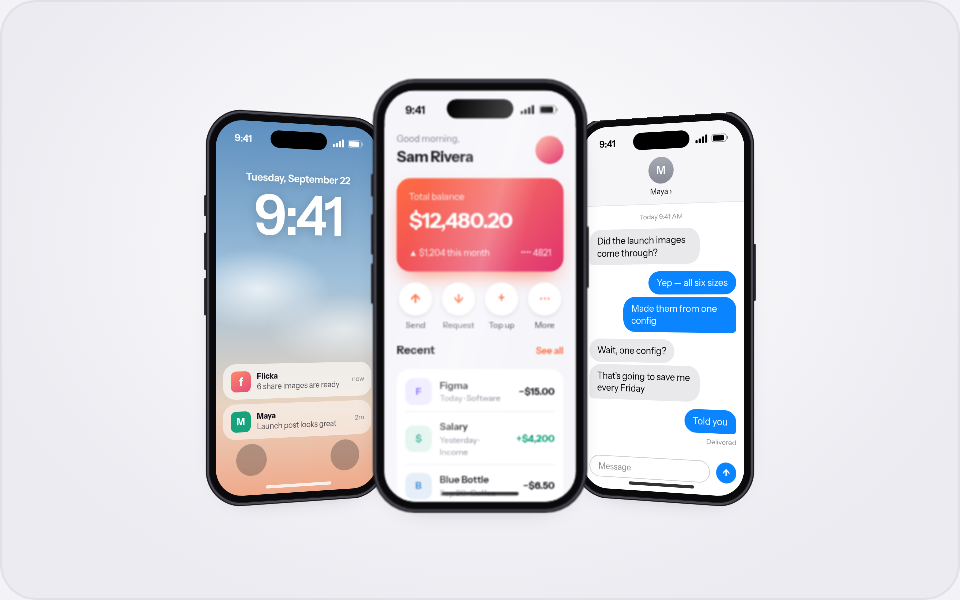
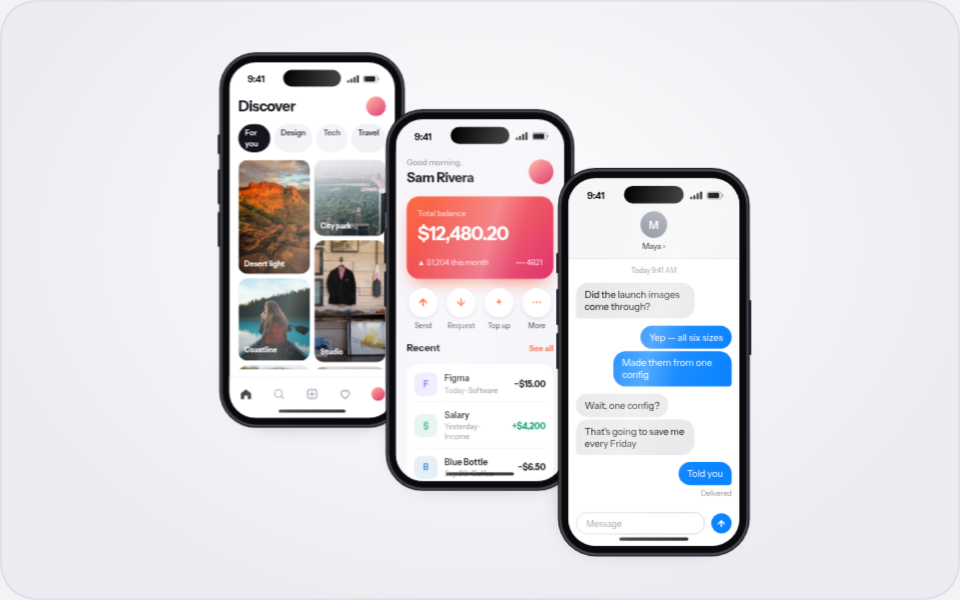
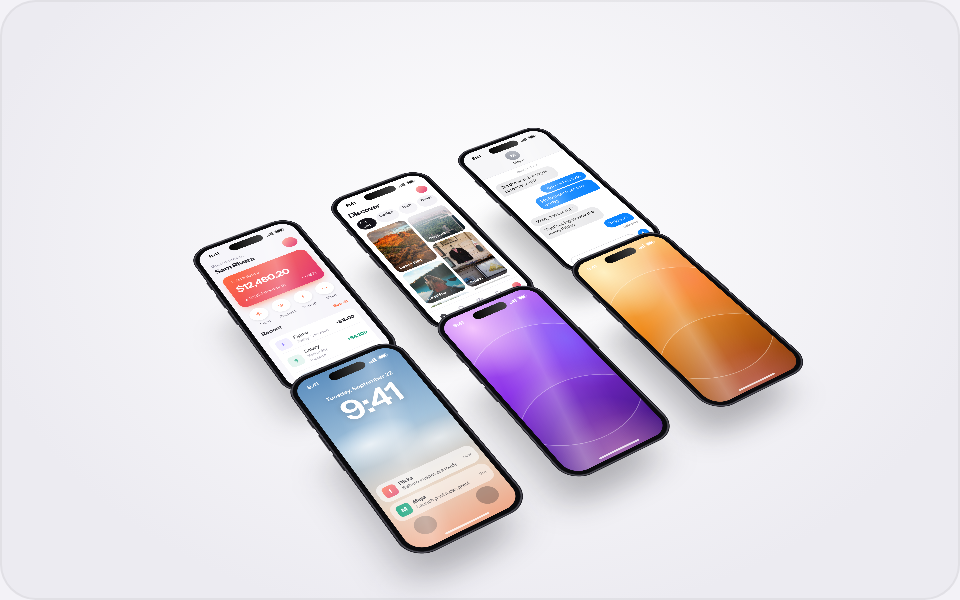
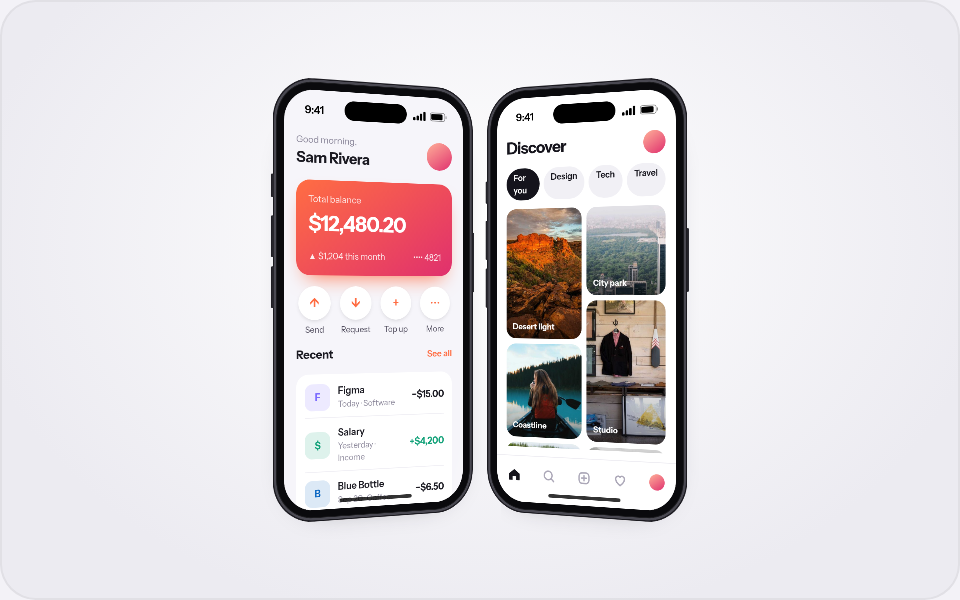
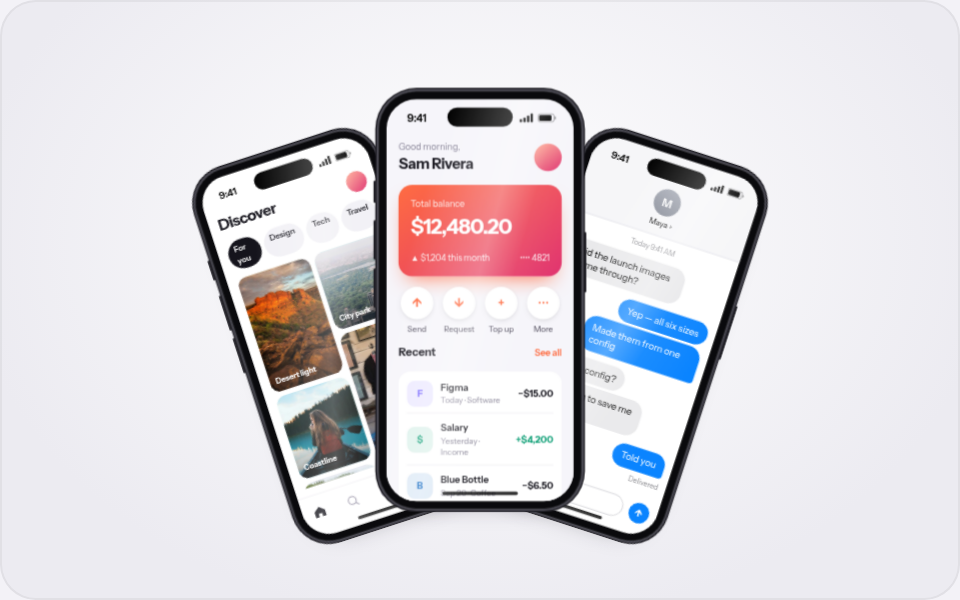
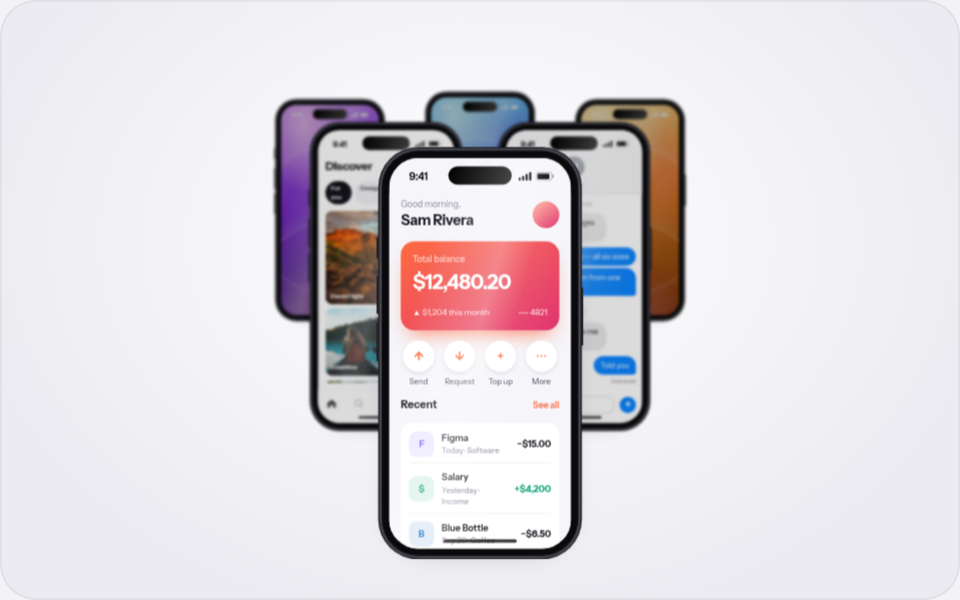
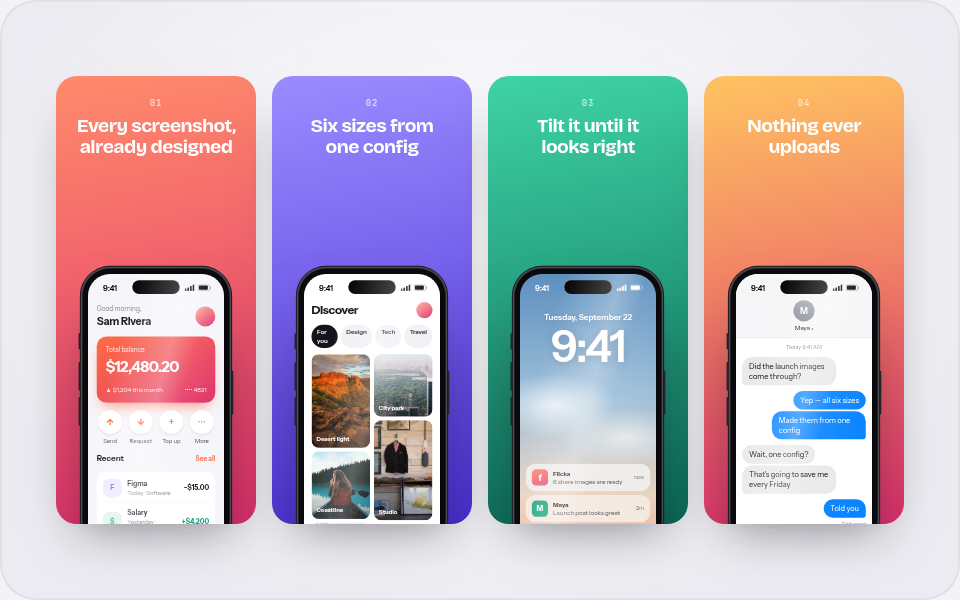
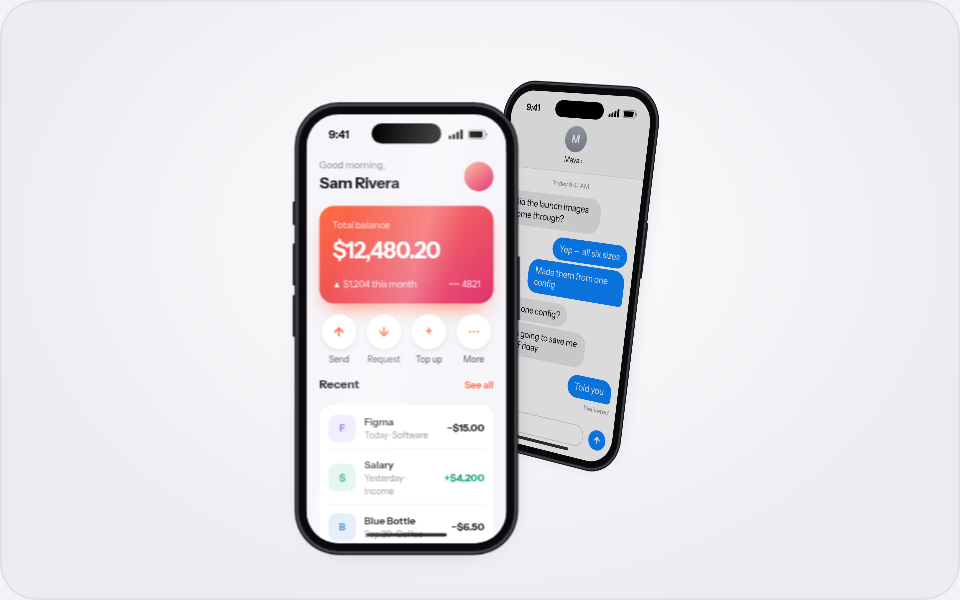
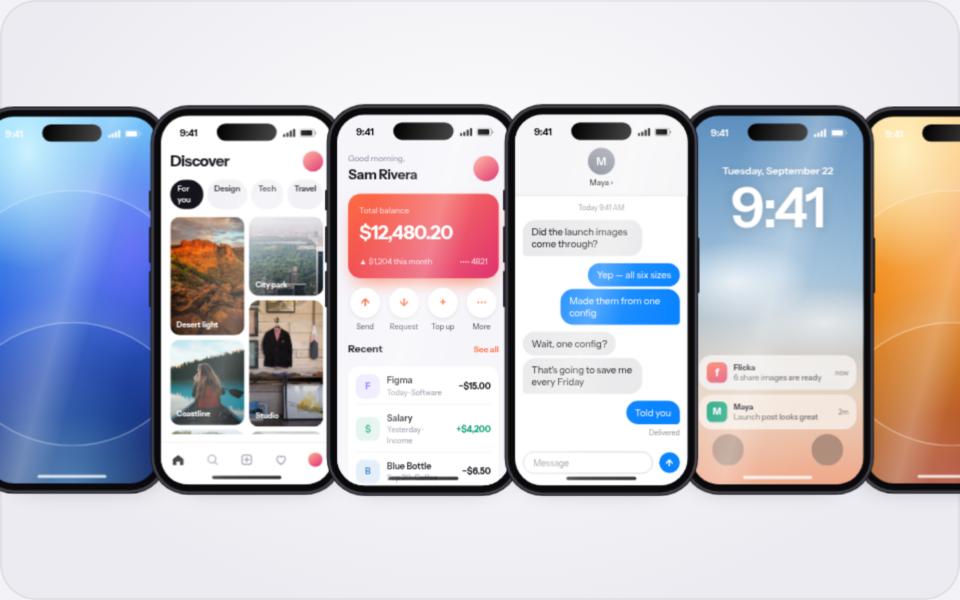
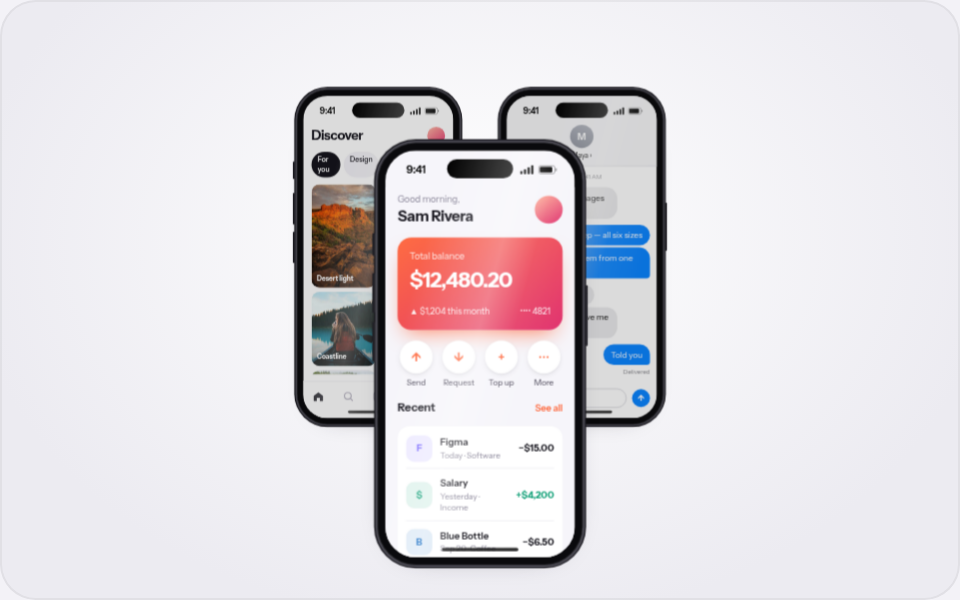
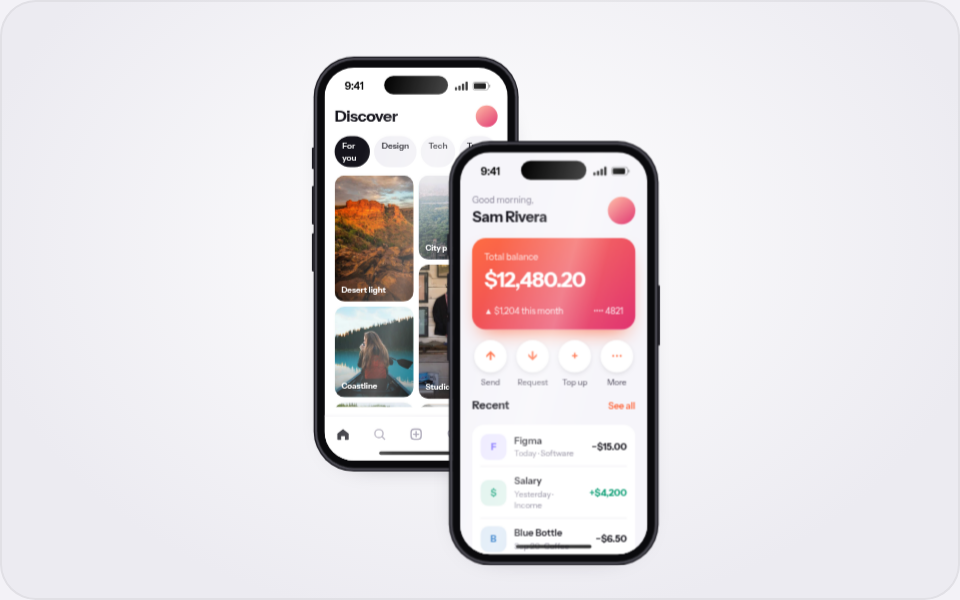
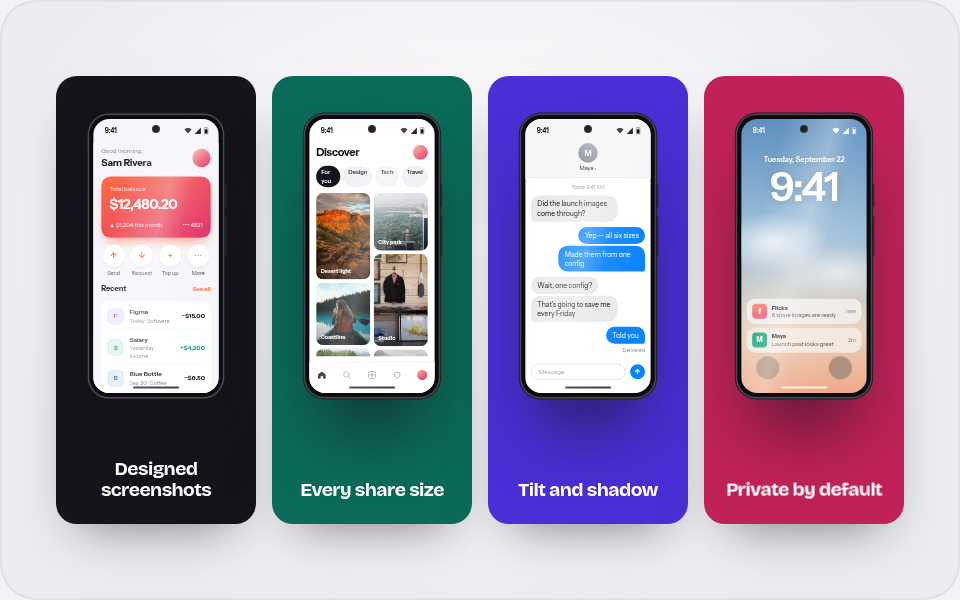
Good morning,
Sam Rivera
Total balance
$12,480.20
▲ $1,204 this month•••• 4821
↑Send
↓Request
+Top up
⋯More
RecentSee all
F
Figma
Today · Software
−$15.00
$
Salary
Yesterday · Income
+$4,200
B
Blue Bottle
Sep 20 · Coffee
−$6.50
L
Lyft
Sep 19 · Travel
−$18.20
9:41
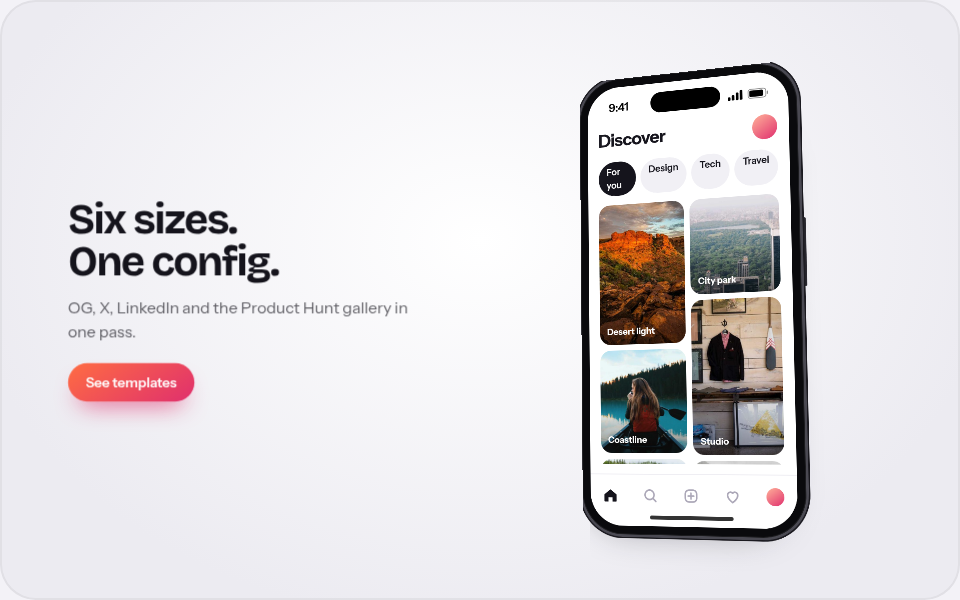
Discover
For youDesignTechTravel
Desert light
Coastline
Night city
Studio
9:41
MMaya ›
Today 9:41 AM
Did the launch images come through?
Yep — all six sizes
Made them from one config
Wait, one config?
That's going to save me every Friday
Told you
Delivered
Message↑
9:41
Tuesday, September 22
9:41
f
Flicka
6 share images are ready
now
M
Maya
Launch post looks great
2m
9:41
9:41
9:41
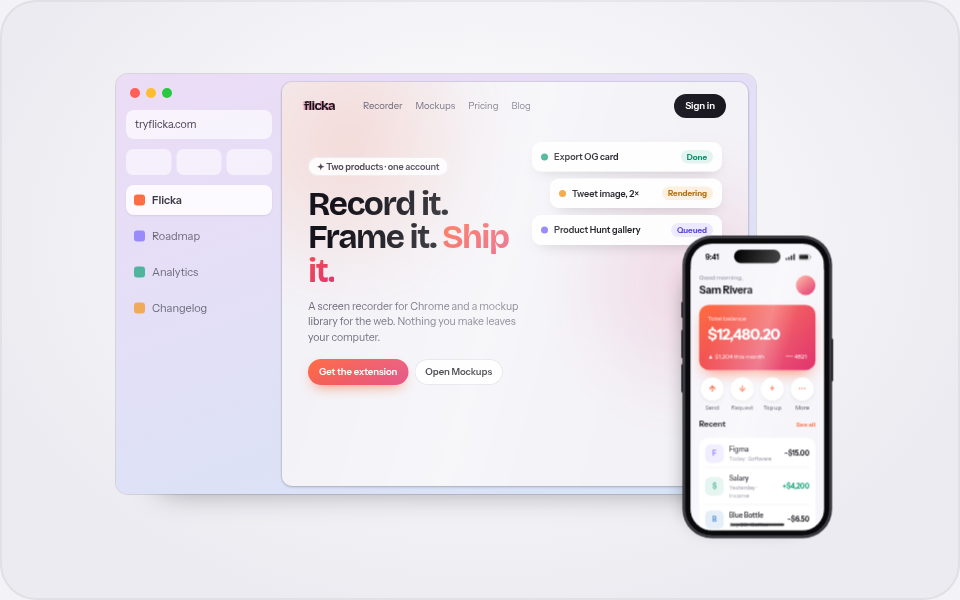
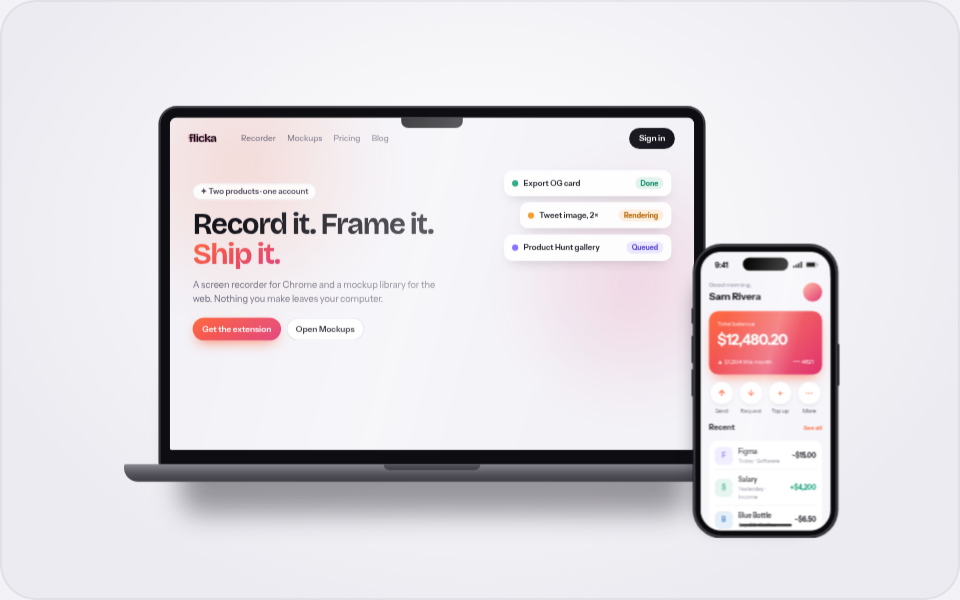
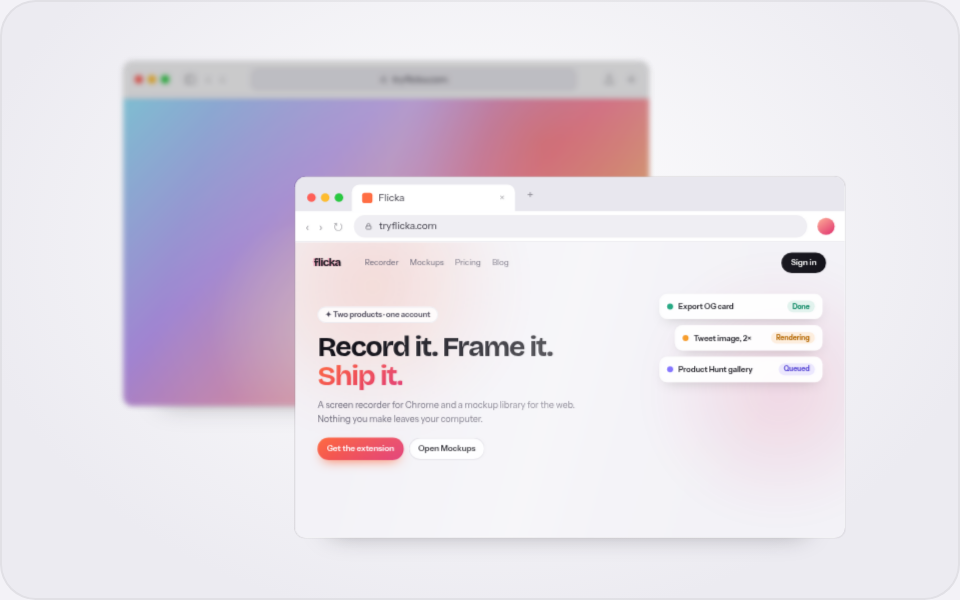
flickaRecorderMockupsPricingBlogBlogSign in
✦ New — six export sizes
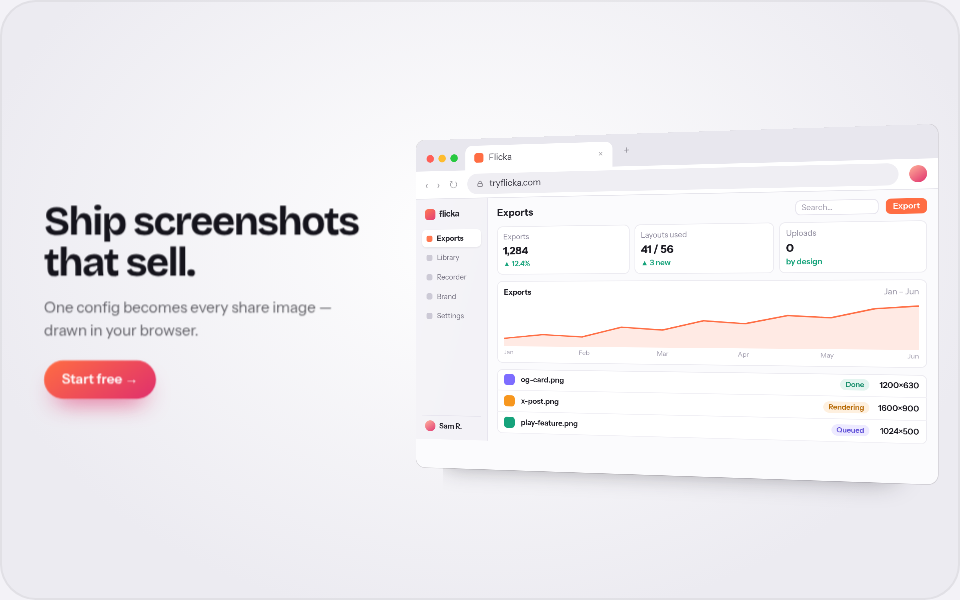
Ship screenshots that sell.
One config becomes every share image — drawn in the browser, never uploaded.
Start free →See templates
Export OG cardDone
Tweet image, 2×Rendering
Product Hunt galleryQueued
flicka
Library
Recorder
Exports
Brand
Settings
Sam R.
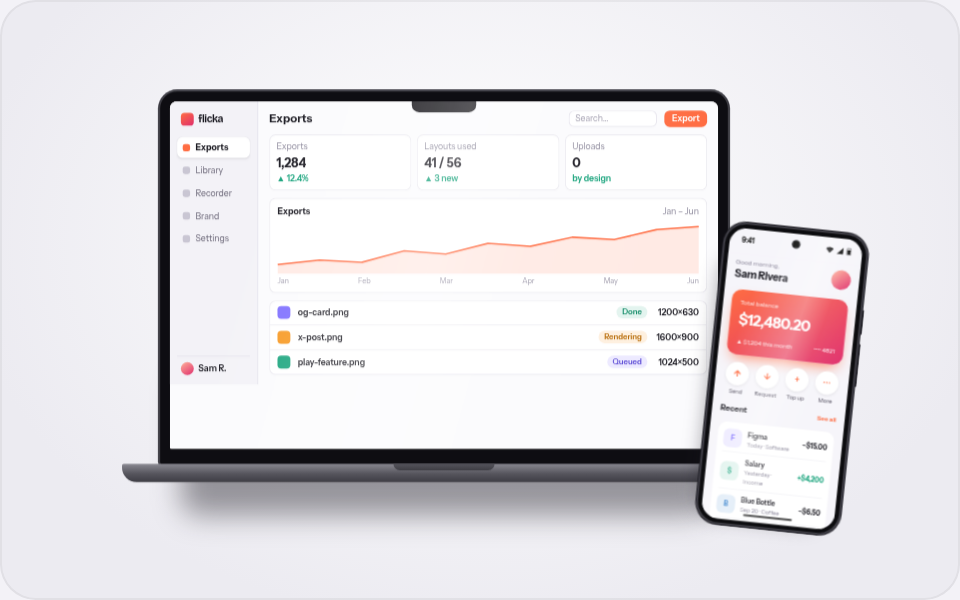
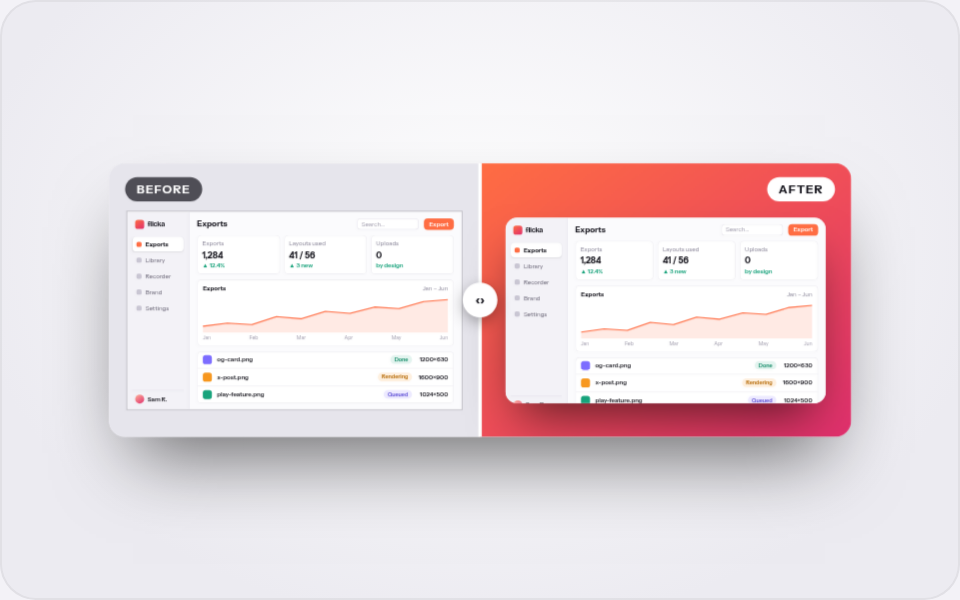
ExportsSearch…Export
Exports
1,284
▲ 12.4%
Layouts used
41 / 56
▲ 3 new
Uploads
0
by design
ExportsJan – Jun
JanFebMarAprMayJun
og-card.pngDone1200×630
x-post.pngRendering1600×900
play-feature.pngQueued1024×500
9:41
tryflicka.com
Flicka Mockups Exports Blog
flickaRecorderMockupsPricingSign in
✦ New — six export sizes
Ship screenshots that sell.
One config becomes every share image — drawn in the browser, never uploaded.
Start free →See templates
‹› tryflicka.com
Ship screenshots that sell.
One config becomes every share image — drawn in your browser.
Start free →
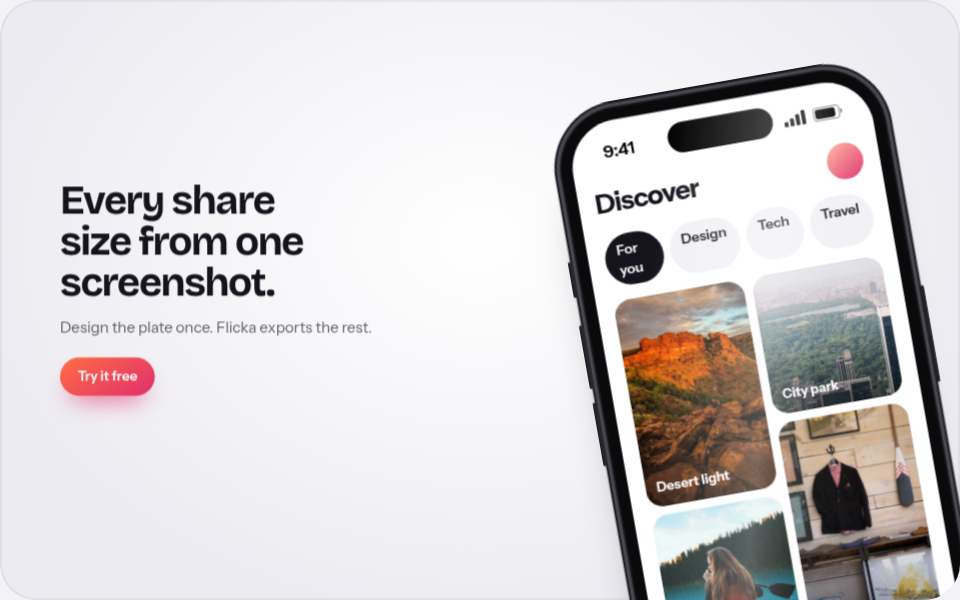
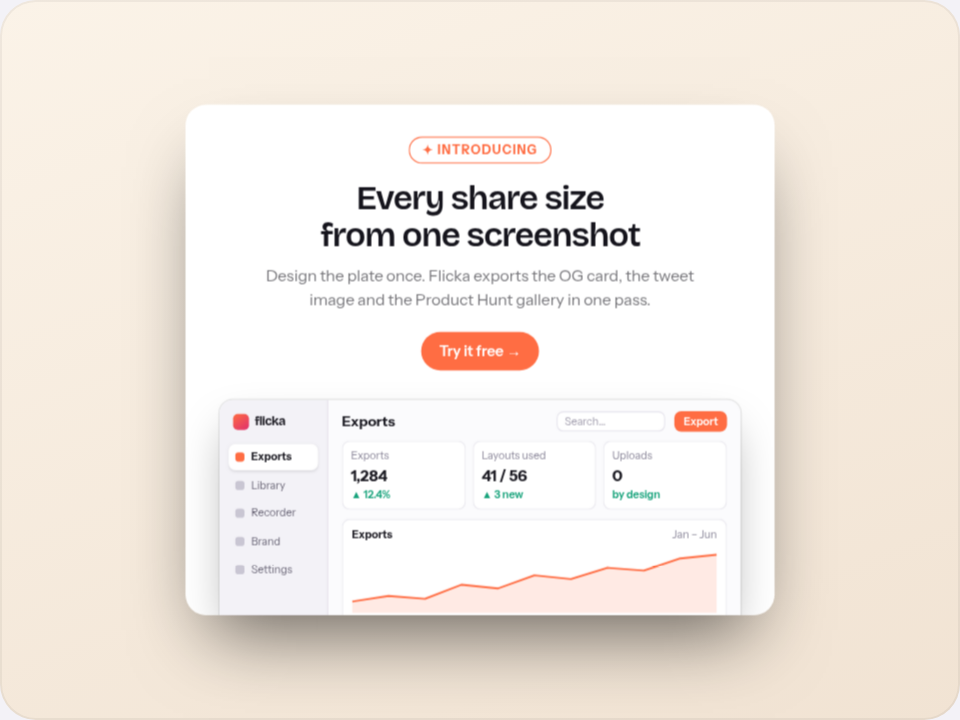
Every share size from one screenshot.
Design the plate once. Flicka exports the rest.
Try it free

Open the lid.

Add the phone.

Or make it a Pixel.

Swap in an iPad.

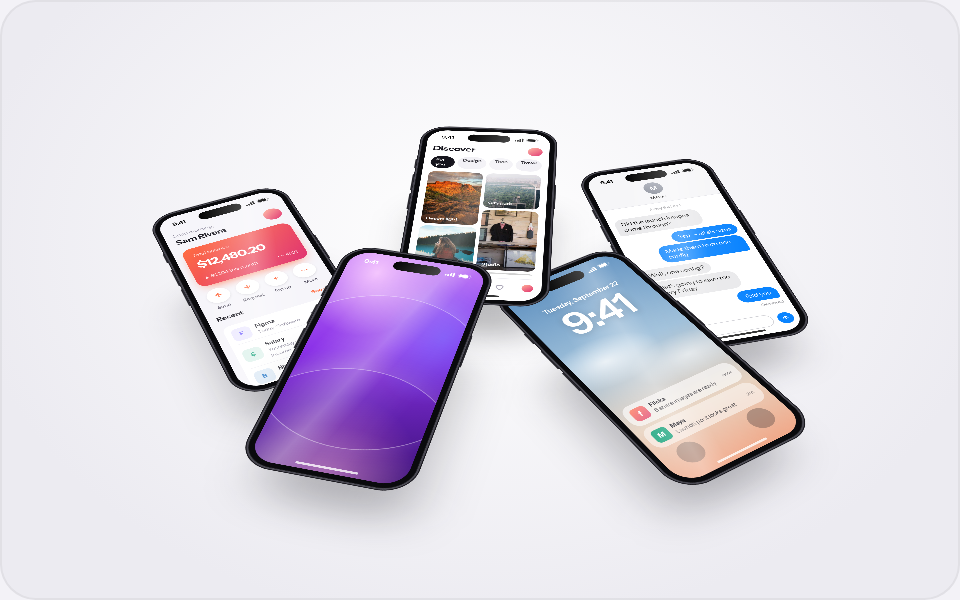
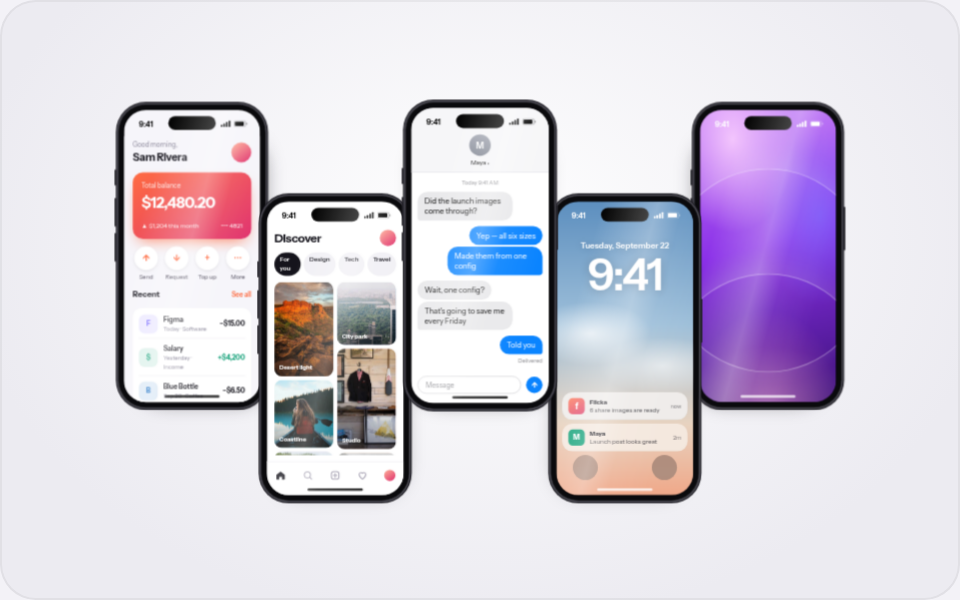
Browser and phone, side by side.

Stack two windows.

Give it a headline.

Two phones, offset.

Three, flanks tilted in.

Fan them out.

Let it bleed off the edge.

Five in a wave.

Lay the whole set flat.

Push the rest back.

MacBook DEVICE FRAME · 5 FINISHES
THE LIBRARY

60 layouts. Yours in every one.

Devices, browser windows, social cards and store sets. The gallery previews your screenshot in all of them at once.

COLLECTIONS

Kits for the day you ship.

Launch kit 8 LAYOUTS

Everything a launch day needs: the hero, the link preview, the announcement and the Product Hunt card.
App Store kit 6 LAYOUTS

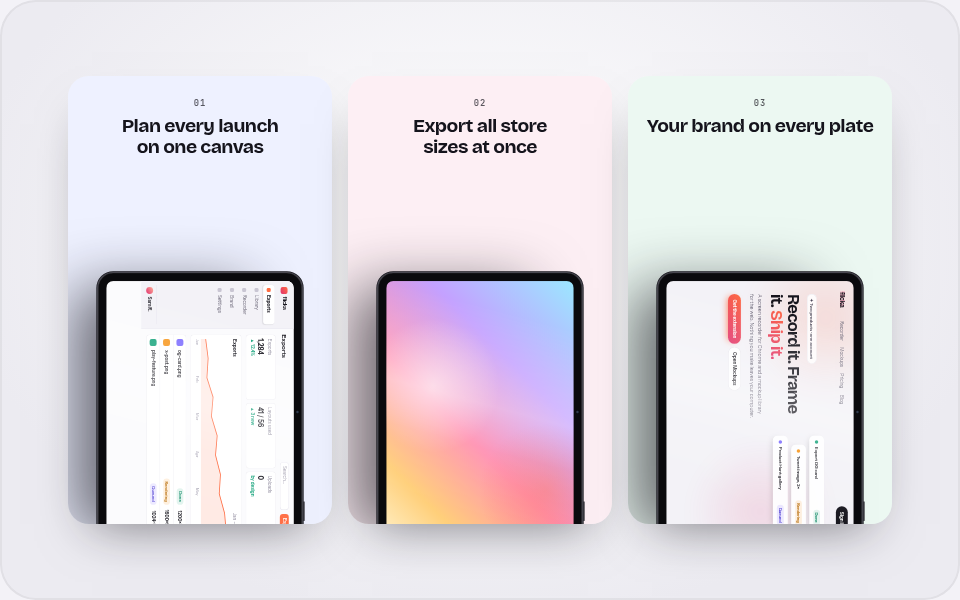
Every store set in one place, plus the single-device layouts that work as a first panel.

Social proof 7 LAYOUTS

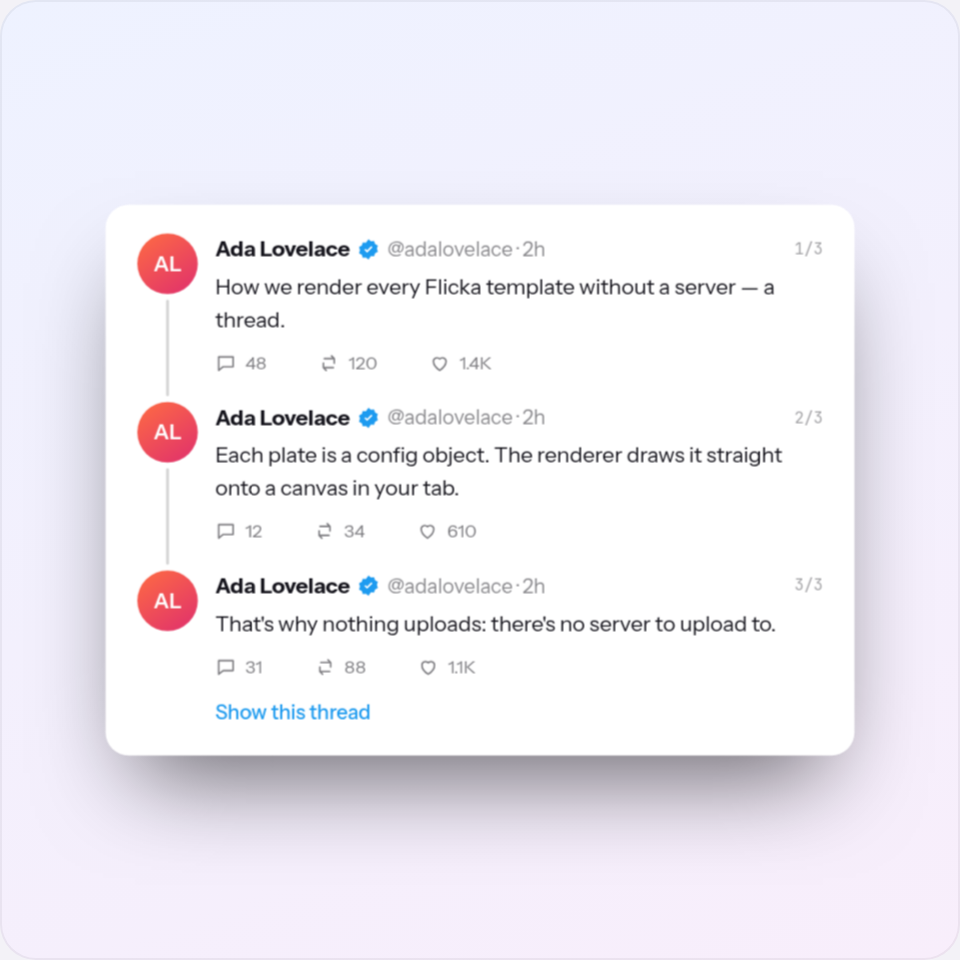
Quotes, numbers and threads that do the selling.

HOW IT WORKS

Drop, aim, export.

01
Drop a screenshot

Every card in the gallery shows it straight away, so you choose with your own product on screen.

02
Edit it on the canvas

Tilt, backdrop, padding, shadow and device frame — then move, scale and snap every layer, add pages, and translate the words.

03
Export a retina PNG, a zip or a video

PNG, JPG or WebP to 4×, every page zipped per store, or a short motion clip. Drawn in your browser; your screenshot never leaves your computer.

THE EDITOR

A layout is where you start, not where you stop.

Every layout opens on a canvas you can actually edit: layers, snapping, pages as artboards, store sets checked against the stores' own sizes, languages, motion export and a brand kit. All of it drawn in your browser, nothing uploaded.

Every element is a layer

Open a layout and its devices, words and cards become real layers: reorder, hide, lock, rename, duplicate. Add a MacBook, a headline, a shape or an image from the Add menu.

Direct manipulation, with snapping

Scale and rotate handles, guides that snap to edges, centres and other layers, shift-click and marquee selection, align and distribute, a numeric inspector for exact values.

Pages as artboards

Every page sits on one dotted canvas. Add a store page or a whole App Store or Google Play set, and each page is checked live against the store's pixel sizes.

Words in every language

The Words panel lists every headline, subline, button and label on a page with a column per language. The zip renders each page in each one — fastlane folders included.

Motion export

Sweep, orbit, reveal or float the composition for two to eight seconds and render it frame by frame as WebM, MP4 or GIF, in the browser.

A brand kit and drafts

Named colours, your logo, fonts from files and saved text styles, kept in this browser and applied to any layout. Every edit autosaves as a draft.

Open the editor → Read the guide
ONE FLICKA ACCOUNT

Record the demo. Frame the stills.

Sign in once on tryflicka.com and both products know you. Pro covers the recorder and every Pro layout.

CHROME EXTENSION
Flicka screen recorder

Takes arrive already zoomed and backdropped. Launch-ready product demos, from one Chrome extension.

See the recorder →
ON THE WEB · YOU'RE HERE
Flicka mockups

60 layouts for devices, browsers, social proof and store sets, on a canvas editor with layers, pages and languages. Nothing uploads.

Open the library →
FLICKA PRO $5 monthly$30 yearly$80 lifetime Compare plans →

Your next launch image is one drop away.

Open the library→